
 Hrvatski
Part 1
Who
The reader you help. "IT leaders", "B2B founders", "SaaS marketing teams".
One short line that says who you help and what changes. Here is the formula and 20 lines to copy.
Free: your brand in 3 real designs, in 48 hours.
Write one short line on your LinkedIn banner. Say who you help and what changes for them. Keep it under 12 words, use big text and leave the left side clear for your photo.
The formula is: I help [who] [get what]. Below are 20 lines for founders, sales and marketing teams, plus rules for length and tone.
 By Vedran Obradović · Updated 7 November 2026
Three parts. Pick the words that your buyer would use.
Part 1
The reader you help. "IT leaders", "B2B founders", "SaaS marketing teams".
Part 2
The result. "Win more deals", "Ship faster", "Look like one company".
Part 3
Optional. A real proof, or a soft next step like "Say hi".
The banner words should match your site and your brand voice. If you are not sure what you say, read positioning statement examples.
Change the brackets. Delete anything you cannot prove.
Founders
1. I help [who] [get what] without [pain].
2. Building [product] for [who].
3. [What is broken] is broken. I am fixing it.
4. Founder at [company]. Ask me about [topic].
5. Helping [who] [result] since [year].

Sales
6. I help [type of buyer] [result].
7. For [role] in [industry].
8. [Role] at [company] - talk to me about [topic].
9. 15 minutes. No pitch. Just [topic].
10. I help [who] choose [what] with less risk.

Marketing and brand
11. [Company]: [what you do] for [who].
12. One brand. Every post, deck and banner.
13. [Result] for [who], starting with [step].
14. Our team makes [what] for [who].
15. Read the [guide name] - link below.

Events and hiring
16. Find us at [event], [city], [date].
17. Launching [product] on [date].
18. We are hiring [role]. Say hi.
19. Speaking about [topic] at [event].
20. New: [feature or offer] for [who].
Ideas for the layout are in LinkedIn banner ideas for founders.
Free tool
If you cannot say what you do in one line, the brand needs work. Answer a few short questions and get your score.
Using ChatGPT or Claude to draft lines? It helps, but output can sound generic. Give it your voice rules. See how to make ChatGPT use your brand voice.
Leave your email. I design them by hand and send them to you within 48 hours. It costs you nothing.
I write to you from [email protected]. If you do not see it, check spam.
Let people pick a line. Do not let them invent one.
If twenty people write twenty lines, you get twenty brands. Make a short list of approved lines, one per market or role. Each person picks one and types their name.
A brand portal can hold the lines, the layout and the banner tool in one place. See matching banners for the whole team.
0 of 8 done
Try one Brand OS Portal tool
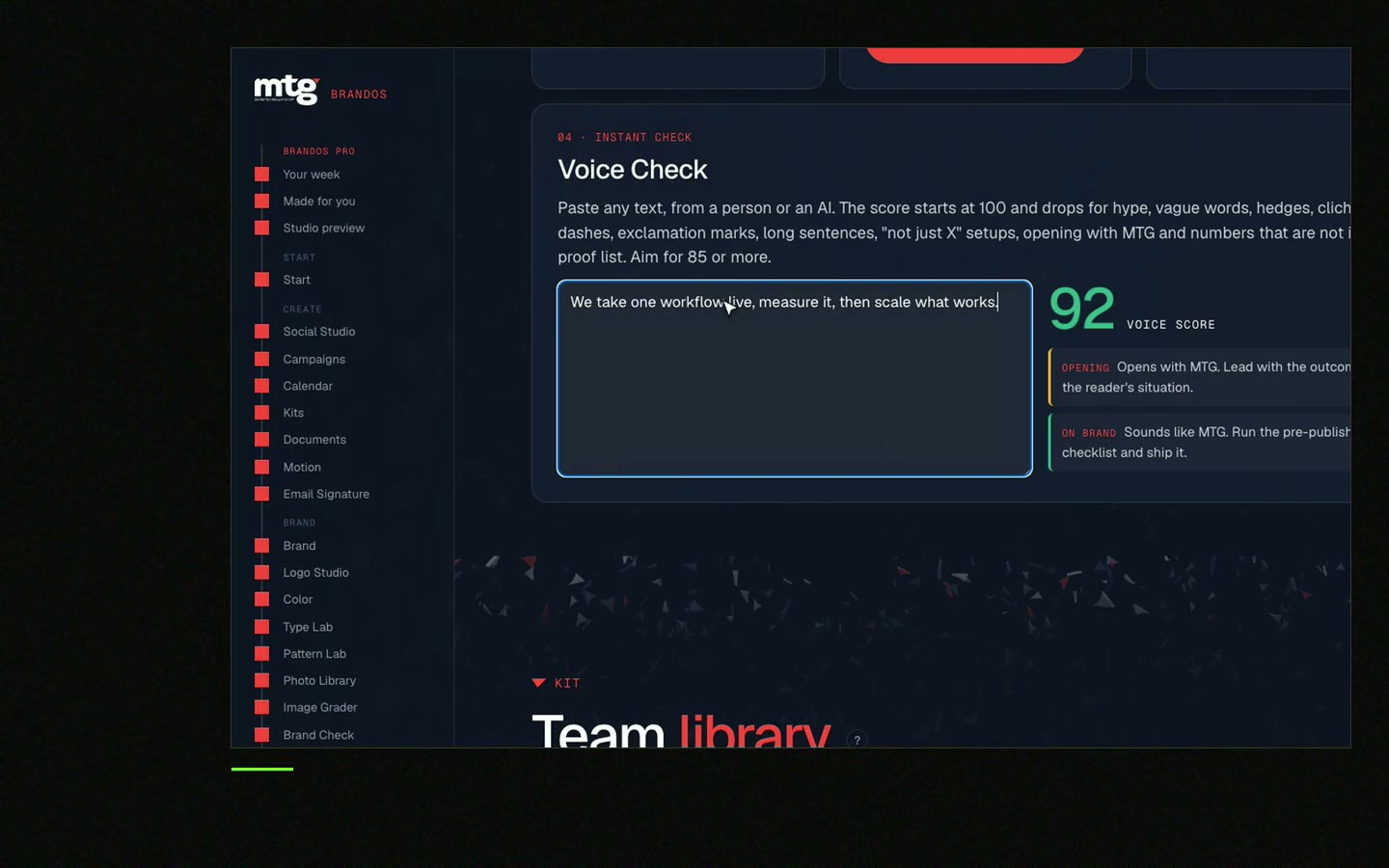
This is a real tool from a real Brand OS Portal, on the MTG brand. Type your words and get a banner at the right size.
Watch
I made short videos of the tools. Hear me explain them, then scroll through every one at work. Real tools, on a real brand.

One short line that says who you help and what changes for them, such as "I help B2B founders win more deals".
Under 12. People glance at a banner, they do not read it.
A soft next step like "Say hi" is fine. Long contact blocks are hard to read and hard to keep current.
You can, but give it your voice rules and a real example. Otherwise it sounds like everyone else.
For a personal profile it is 1584 x 396 px.
Make a short list of approved lines and give people one banner tool. See Brand OS Portal.
Death List Five. Five headaches, one portal. Sound on.
See what ChatGPT says about your company, and how to fix it.
You hear from me within 2 to 8 hours.
May I use cookies for Google Analytics and Clarity to see which pages help? Privacy





