
 Hrvatski
1
Title
Customer name and logo next to yours.
One template, ten slides and a few locked rules. Then every rep can make a deck that looks like the company.
An on-brand sales deck template is one master file with your fonts, colours and layouts locked in, and about 10 ready slides in a fixed order. Reps change the words and the customer details, not the design.
Build it in PowerPoint or Google Slides using master layouts, keep only one current version in one shared place, and check it every quarter. Below are the slides, the rules, an outline to copy and a check.
 By Vedran Obradović · Updated 5 November 2026
Same order every time. Reps add or hide slides, they do not invent new ones.
1
Customer name and logo next to yours.
2
In their words, from the discovery call.
3
Time, risk or money lost today.
4
Your one-liner, nothing else.
5
Three steps, one picture.
6
A customer result or case.
7
What you do that others do not.
8
What happens in the first weeks.
9
The two or three questions buyers always ask.
10
One clear action with a date.
Slide 4 comes from your positioning statement. Slide 7 is easier with clear SaaS brand positioning.
Put the rules in the template itself, not in a separate PDF nobody opens.
In PowerPoint this lives in the Slide Master. In Google Slides it lives in the theme builder. Fonts come from your rules, see font pairing for SaaS and design tokens for brands.
Free tool
Paste the line on your first slide. You see how clear it is and what to fix first. It is free and runs right here.
Paste it into the speaker notes of your template, so reps know what goes where.
1. [Customer] + [Your company] - [date]
2. What we heard: "[their problem, in their words]"
3. What it costs today: [time / risk / money lost, their numbers if you have them]
4. [Your company] helps [who] [do what] so they can [result].
5. How it works: [step 1] - [step 2] - [step 3]
6. Proof: [customer] went from [before] to [after]
7. Why us: [the thing others do not do]
8. The plan: week 1 [..], week 2-4 [..], then [..]
9. You might ask: [question 1] - [answer] / [question 2] - [answer]
10. Next step: [one action] by [date]
Use only facts from one approved list, so every rep says the same true things. That list belongs in your brand guidelines.
Leave your email. I design them by hand and send them to you within 48 hours. It costs you nothing.
I write to you from [email protected]. If you do not see it, check spam.
The biggest deck problem is not design. It is old copies.
| Problem | Fix |
|---|---|
| Reps save their own copies and keep using them | One shared link, and old copies get deleted |
| New logo, old decks | Logo lives only in the master, so one change fixes all slides |
| Everyone rebuilds the same slides | A slide library with approved slides to copy |
| Numbers go out of date | Approved facts list, checked every quarter |
| New hires do not know where it is | The template is part of day one onboarding |

Brand OS Pro Portal. The team makes its own posts. No waiting.

Brand OS Core Portal. The CEO writes and designs an on-brand LinkedIn post in about 3 minutes.
A brand portal keeps the template, the facts and the tools in one link. See what a brand portal is and brand onboarding for new hires.
Tick what is true today. Your ticks stay on this device.
0 of 10 done
Want the deck designed for you? See my pitch and sales deck design, or book a 15-minute call.
Try one Brand OS Portal tool
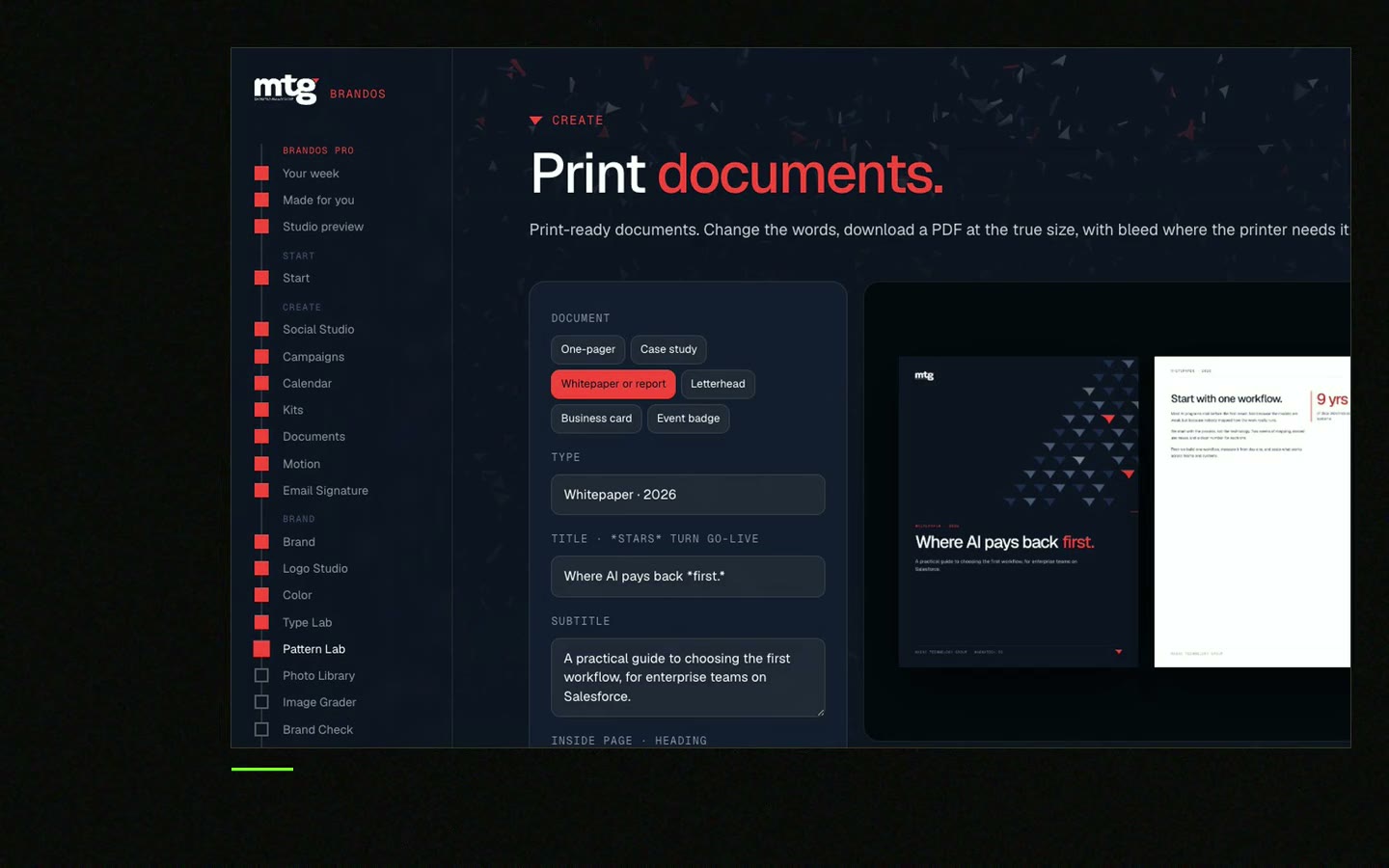
This is a real tool from a real Brand OS Portal, on the MTG brand. Patterns grow from the logo, so they look like one brand only.
Their problem, what it costs, what you do, how it works, proof, why you, a plan, answers to common questions and one next step.
About 10. Reps can hide what a buyer does not need, but the order stays the same.
Lock fonts, colours and the logo in the master layouts, keep one shared version and delete old copies.
No. A pitch deck sells the company to investors. A sales deck sells a result to a customer. They can share the same design.
Use what your team already works in. Both have master layouts and themes that keep the brand locked.
See what ChatGPT says about your company, and how to fix it.
You hear from me within 2 to 8 hours.
May I use cookies for Google Analytics and Clarity to see which pages help? Privacy



