
 Hrvatski
Person
Profile photo
A clear face, soft light, plain background. Same style for the whole team so the page looks like one company.
Pick LinkedIn photos that look like your company, crop cleanly on a phone, and match your banner and posts.
Free: your brand in 3 real designs, in 48 hours.
On-brand LinkedIn photos look like your real company, share one colour and light, and stay readable when LinkedIn crops them on a phone.
Use three photo types: a clear profile photo, a banner that matches your brand, and post photos from one approved set. Test each on a phone before you post.
 By Vedran Obradović · Updated 7 November 2026
Each place on LinkedIn needs a different photo. Mixing them up is the common mistake.
Person
A clear face, soft light, plain background. Same style for the whole team so the page looks like one company.
Page
Your brand, not a stock skyline. Keep key content away from where the profile photo overlaps. See LinkedIn banner sizes.
Feed
From your approved set. Real people, real work, one colour and one light.
Paste this into your brand guidelines or share it with the team.
LinkedIn photo rules - [Company]

PROFILE PHOTOS
- Head and shoulders, eyes to camera, soft light
- Plain or lightly blurred background, no logos on the background
- Same crop and tone for everyone on the team

POST PHOTOS
- Real people or real product up front. Stock just for mood
- One main colour from our palette. No clashing colours
- Leave quiet space for a headline
- Never cut a face at the crop edge on a phone

DO NOT USE
- Handshakes, light bulbs, people pointing at graphs
- Photos with another company's logo
- Photos we do not have rights to

CHECK BEFORE POSTING
- Looks right on a phone
- Alt text added (one plain sentence)
For post layouts, see B2B LinkedIn post templates. For a wider set of rules, read social media brand guidelines.
Free tool
Answer a few short questions. You get your brand score and the next thing to fix. It is free.
Most people look at LinkedIn on a phone. Test there.
0 of 8 done
Your ticks stay on this device. If two or more are not ticked, change the photo before you post.
Leave your email. I design them by hand and send them to you within 48 hours. It costs you nothing.
I write to you from [email protected]. If you do not see it, check spam.
Founders and sales leads post on LinkedIn too. Their posts shape how buyers see you.
When each person picks photos alone, the feed drifts. A shared photo set and a locked post design fix that. Read more in employee advocacy on LinkedIn and the LinkedIn company page branding kit.

Brand OS Core Portal. The CEO writes and designs an on-brand LinkedIn post in about 3 minutes.

Brand OS Pro Portal. The team makes its own posts. No waiting.
At Deepsea Networks the CEO writes and designs an on-brand LinkedIn post in about 3 minutes, inside the portal. No designer in the loop for the daily post.
You stop paying a designer for every post and banner.
A designer is still right for your identity and a photo shoot. The portal is for the daily work after. See the Brand OS idea.
Try one Brand OS Portal tool
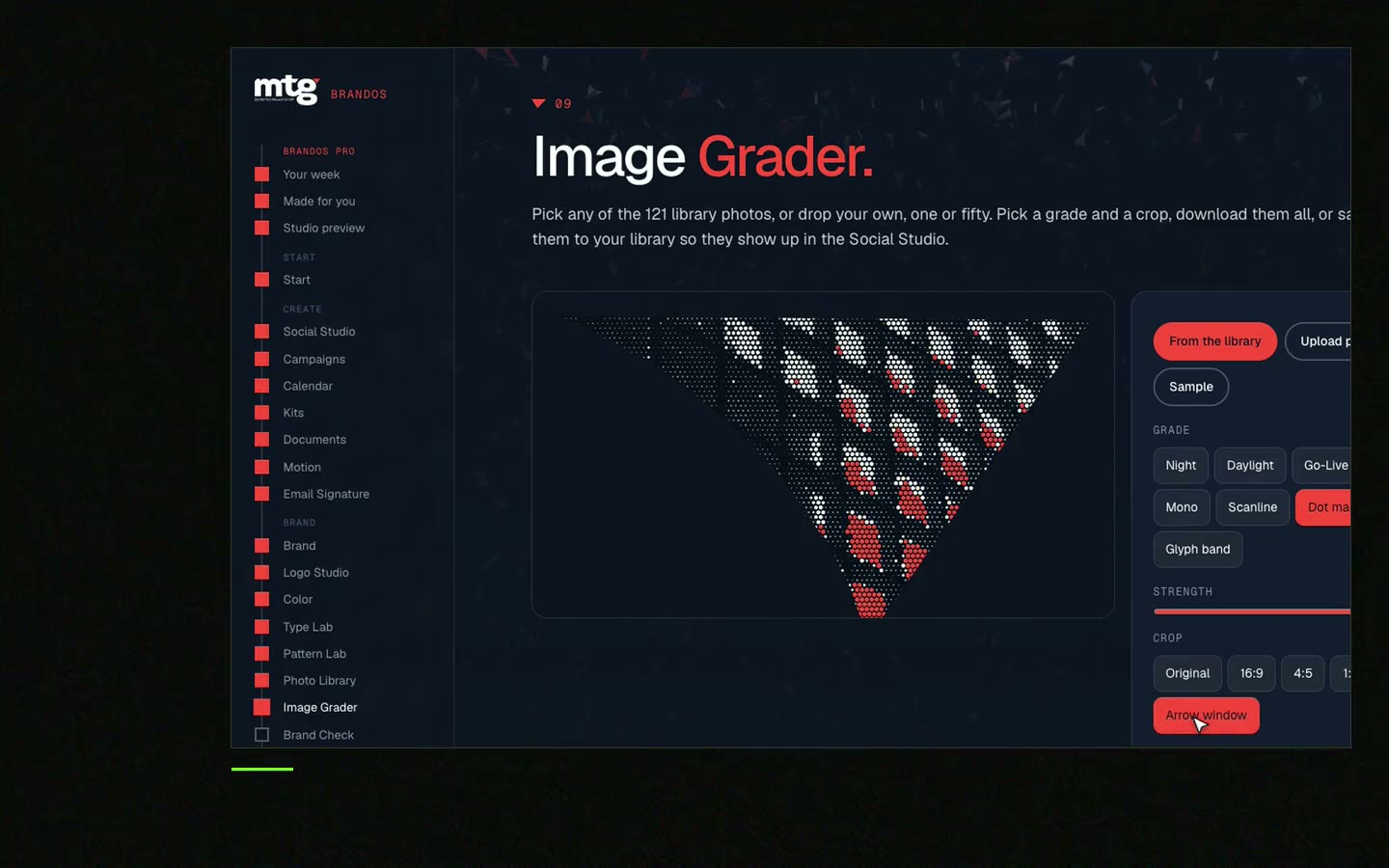
This is a real tool from a real Brand OS Portal, on the MTG brand. Change the photo and the words. Pick feed, square or story.
Watch
I made short videos of the tools. Hear me explain them, then scroll through every one at work. Real tools, on a real brand.

A real photo of your people or product, in your brand colours, with quiet space for a headline.
A clear head and shoulders photo, soft light, plain background, eyes to camera.
Yes. The same crop and tone make the company page look like one team.
Yes for mood and backgrounds. Choose carefully. See how to choose stock photos that match your brand.
Keep faces and key text away from the edges, and test on a phone before posting.
Death List Five. Five headaches, one portal. Sound on.
See what ChatGPT says about your company, and how to fix it.
You hear from me within 2 to 8 hours.
May I use cookies for Google Analytics and Clarity to see which pages help? Privacy



