
 Hrvatski
Step 1
Pick a tester
Someone who is not a designer, like a sales lead or an intern.
Lock the logo, fonts and colours. Open the words and the photo. That is how a team edits without breaking the brand.
Free: your brand in 3 real designs, in 48 hours.
To edit brand templates without breaking the brand, split each template into locked parts and open parts. Lock the logo, fonts, colours and layout. Open the words, the photo and sometimes one colour choice.
Then test it: give the template to someone who is not a designer and ask them to ruin it. If they cannot, the template is ready.
 By Vedran Obradović · Updated 7 November 2026
It is rarely carelessness. The template gave them too much freedom.
Some tools can lock parts. Canva, for example, lets admins and brand designers lock things like logos, text styles and layouts before a template is published (Canva Help Center, checked on 7 November 2026). The tool is not the main point. The rule is: if a part should never change, nobody should be able to change it. See also Canva brand kit vs brand guidelines.
Use this as a starting rule list.
| Part | Lock it | Open it |
|---|---|---|
| Logo | Version, position, size, clear space | Nothing |
| Fonts | Font names and sizes for each level | Nothing |
| Colours | Background and text pairs | Pick from two or three approved pairs |
| Layout | Grid, margins, alignment | Nothing |
| Headline and body | Max length, style | The words |
| Photo | Crop shape, grading, frame | Which approved photo |
| Numbers and claims | The approved facts list | Which fact to show |
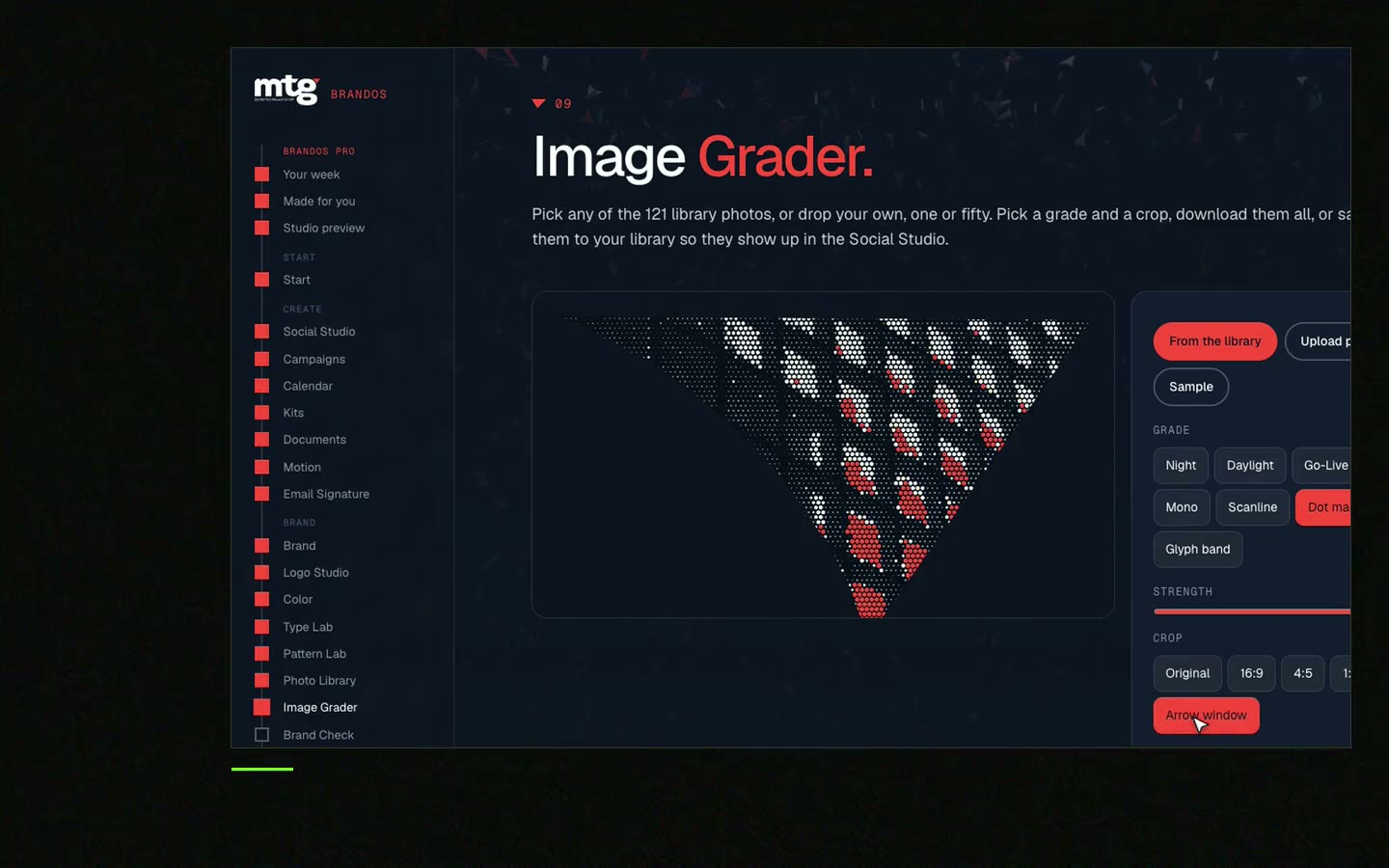
Photo rules are in brand photography guidelines, logo rules in logo usage guidelines.
Free tool
Answer a few short questions. You get your brand score and the top thing to fix. It is free and runs right here.
Put it on the opening slide or the top page of every template file.
HOW TO USE THIS TEMPLATE
You may change: the words, the photo, the date, the name.
You may not change: the logo, fonts, colours, layout, spacing.
Headline: max [8] words. Body: max [25] words.
Photo: pick from [approved photo link]. Never use stock, screenshots with other logos, or photos of people without a yes.
Numbers: use the approved facts list [link] and nothing else.
Before you post: read it on your phone, then ask [name] if it is a big post.
Wrong version? Use the template from [one link] and no other.
Something looks broken? Do not fix it by hand. Message [name].
Bracketed numbers are examples. Match them to your own brand. The wider system is in brand templates for teams.
Leave your email. I design them by hand and send them to you within 48 hours. It costs you nothing.
I write to you from [email protected]. If you do not see it, check spam.
This is the quickest way to find the holes.
Step 1
Someone who is not a designer, like a sales lead or an intern.
Step 2
Make a post about a new customer using the template. No help.
Step 3
Wrong font, stretched logo, new colour, text overflow, old version.
Step 4
Each break becomes a lock or a rule line.
Step 5
Run it with a second person. Stop when nobody can break it.
Step 6
New people find new holes.
A rule on page 40 of a PDF does not stop anyone.
Guidelines nobody follows are guidelines that live in a document. Put the rule inside the tool and the team follows it without reading it. See PDF guidelines vs Brand OS Portal.
In a Brand OS Portal, the designs are made for your brand. The team changes the words and the photo, and the design still looks right. Jeremy Murray from KORDIN said: "Our team just uses them without asking questions."
Tick what is true. Your ticks stay on this device.
0 of 8 done
Try one Brand OS Portal tool
This is a real tool from a real Brand OS Portal, on the MTG brand. Change the words and the photo. Try to break the design.
Watch
I made short videos of the tools. Hear me explain them, then scroll through every one at work. Real tools, on a real brand.

Lock the logo, fonts, colours and layout. Open just the words and the photo. Test it with a non-designer.
Usually because the template gives too much freedom, or old copies are around. Remove choices and keep one link.
Logo, fonts, colours, layout, spacing and the style of the text. Open the words and the photo.
Give it to someone who is not a designer, set one task, and look for what they changed by accident. Lock each break.
Yes, for strategy and a new identity. A good template system handles the daily work after that.
Death List Five. Five headaches, one portal. Sound on.
See what ChatGPT says about your company, and how to fix it.
You hear from me within 2 to 8 hours.
May I use cookies for Google Analytics and Clarity to see which pages help? Privacy





