
 Hrvatski
Once
Use AI design
A new idea, a mood board, a rough look for a campaign. Then pick the winner.
AI design is fast and new each time. A brand template is steady. Most teams need both, in the right order.
Free: your brand in 3 real designs, in 48 hours.
Use AI design to explore ideas fast. Use a brand template for anything you make again and again, like posts, slides and banners. A template keeps the logo, colours and fonts the same every time.
The right setup for a team is a locked template with AI helping inside it, so you get speed and a steady brand.
 By Vedran Obradović · Updated 7 November 2026
Neither one is bad. They do different jobs.
| AI design | Brand template | |
|---|---|---|
| Speed for a new idea | Very fast | Slower to set up once |
| Same look every time | Often drifts | Locked and steady |
| Easy to edit afterwards | Often a flat picture | Yes, change words and photo |
| Knows your brand | If you teach it each time | Built in |
| Right for | Mood boards, early ideas, one-offs | Posts, slides, banners, signatures |
| Risk | Looks generic | Looks stiff if never refreshed |
Ask one question: will we make this again?
Once
A new idea, a mood board, a rough look for a campaign. Then pick the winner.
Again and again
Weekly posts, sales slides, event banners, email signatures. Lock the look.
New and repeat
Explore with AI. Turn the winner into a template. See how to turn AI designs into templates.
Big change
A new identity or strategy. Read freelance designer vs agency.
Free tool
Both need clear rules. Check if your brand is ready. It is free and runs right here.
This is the top complaint I read from founders.
An AI tool without your rules gives the average of everything it has seen. So your post looks like everyone else's. Teams in forums say the same: it is fast, but it does not feel like us.
Two things fix it. Give the tool your brand rules in writing, and put the result inside a locked template. Read ChatGPT brand guidelines, why AI startups look the same and AI-ready brand guidelines.
Leave your email. I design them by hand and send them to you within 48 hours. It costs you nothing.
I write to you from [email protected]. If you do not see it, check spam.
A template alone does not save you. Here is why people still drift.
Lock the brand parts, set word limits, keep one home for files, and put the rules beside them. More in brand compliance and brand consistency for remote teams.
In a Brand OS Portal you do not choose between AI and templates.
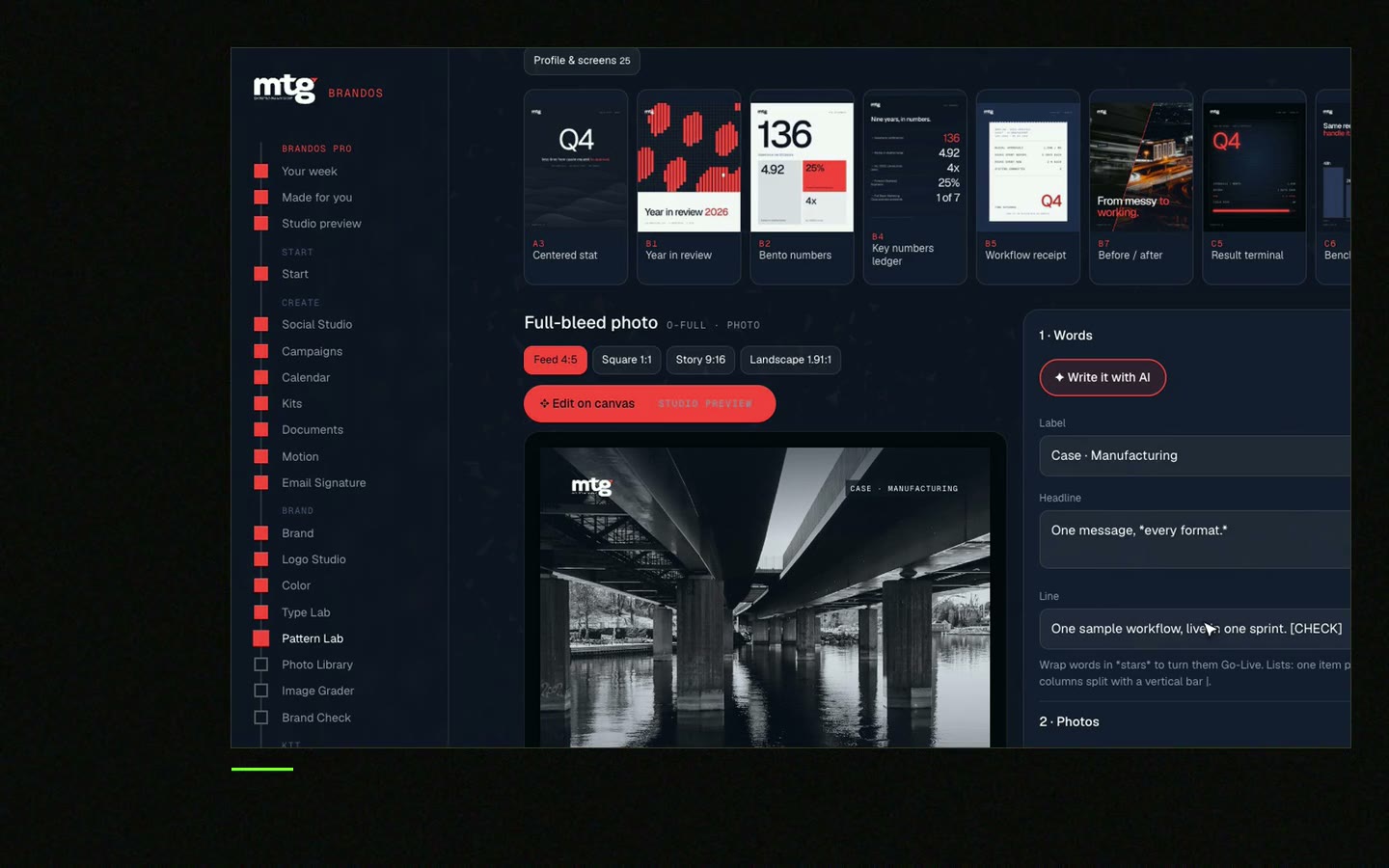
Designs are ready and locked. New designs from AI follow your brand rules. Your team changes the words and photo, picks feed, square or story, and downloads. No waiting for a designer for each post, deck or banner. A designer is still the right call for strategy and a new identity. The portal is for the daily work after.
Try one Brand OS Portal tool
This is a real tool from a real Brand OS Portal, on the MTG brand. Change the words and the photo. The design stays on brand.
Watch
I made short videos of the tools. Hear me explain them, then scroll through every one at work. Real tools, on a real brand.

They do different jobs. AI is good for exploring. A template is good for anything you repeat.
It can follow your rules if you give them in writing. A locked template keeps the parts that must not change.
The tool has no memory of your brand unless you give it the rules each time. A template fixes the look.
For a new identity or strategy, yes. For daily posts, banners and decks, a portal can cover it. See PDF guidelines vs Brand OS Portal.
A ready design where people change the words and photo, and the logo, colours and fonts stay locked.
Death List Five. Five headaches, one portal. Sound on.
See what ChatGPT says about your company, and how to fix it.
You hear from me within 2 to 8 hours.
May I use cookies for Google Analytics and Clarity to see which pages help? Privacy





