
 Hrvatski
Words
Generic voice
Smooth, empty lines that could be any company.
AI can write and design posts fast. Five guardrails keep every post sounding and looking like your company.
Free: your brand in 3 real designs, in 48 hours.
To keep AI generated social posts on brand, give the AI your voice rules and approved facts, put the design in a locked template, limit what can change, and run a short check before posting.
These five guardrails turn AI from a risk into a helper. Your team posts faster, and nobody has to ask a designer for every post.
 By Vedran Obradović · Updated 7 November 2026
Teams tell the same stories: the post sounds like a robot, it invents a claim, or it looks like a stranger made it.
Words
Smooth, empty lines that could be any company.
Facts
A number or promise you never approved.
Look
Wrong colours, wrong font, new style each time.
Set these once. Use them for every post.
Guardrail 1
Give the AI five words that sound like you and five that never do. See how to make ChatGPT use your brand voice.
Guardrail 2
List what you may say. Tell the AI to use nothing else. Read why ChatGPT says wrong things.
Guardrail 3
Logo, colours and fonts are fixed. Words and photo change, nothing else.
Guardrail 4
Word limits, one idea per post, photo from an approved set.
Guardrail 5
Two minutes, with the list below.
Free tool
Guardrails need rules to guard. Check if your brand is ready for AI. It is free and runs right here.
Paste it into your AI chat. Fill the brackets once and save it.
You write LinkedIn posts for [company], a [what you do] for [who you serve].

VOICE
- Sounds like: [5 words, e.g. plain, calm, direct, warm, precise]
- Never sounds like: [5 words, e.g. hype, jargon, pushy, vague, cute]
- Short sentences. Write as I for the founder's posts.

FACTS YOU MAY USE (nothing else)
- [fact 1]
- [fact 2]
- [fact 3]

FORMAT
- Headline up to 8 words
- Body up to 60 words
- One idea. No hashtags unless I ask.
- If you need a fact that is not in the list, write [NEED FACT] instead of guessing.

Topic: [topic]
The post layout can come from B2B LinkedIn post templates. For voice, read brand voice guidelines.
Leave your email. I design them by hand and send them to you within 48 hours. It costs you nothing.
I write to you from [email protected]. If you do not see it, check spam.
Tick all of these. Your ticks stay on this device.
0 of 8 done
Check images too, with the AI image brand fit check.
Founders ask how to handle design when there is no designer yet. This is the answer I give.
Put the voice rules, the facts and the locked designs in one place, and let everyone use it. In a Brand OS Portal that place is the portal. The CEO writes a post, picks a design in Social Studio and downloads it. At Deepsea Networks this takes about 3 minutes. At MTG the team makes its own posts.

Brand OS Core Portal. The CEO writes and designs an on-brand LinkedIn post in about 3 minutes.

Brand OS Pro Portal. The team makes its own posts. No waiting.
A designer is still the right person for strategy and a new identity. The portal is for the posts, decks, banners and signatures after. More in what is a Brand OS and social media brand guidelines.
Try one Brand OS Portal tool
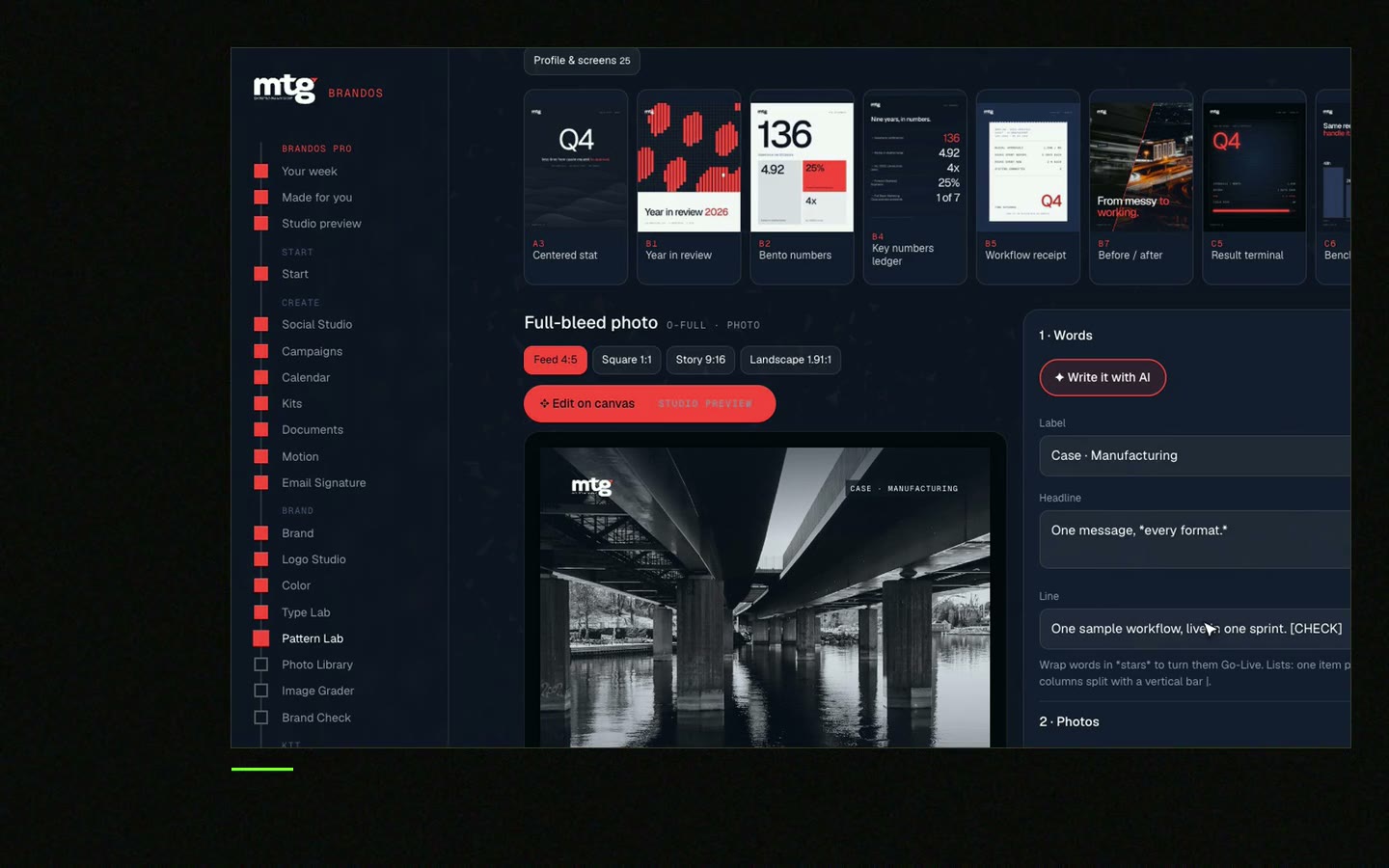
This is a real tool from a real Brand OS Portal, on the MTG brand. Change the words and the photo. The design stays on brand.
Watch
I made short videos of the tools. Hear me explain them, then scroll through every one at work. Real tools, on a real brand.

Give the AI voice rules with examples, plus a list of approved facts, and tell it to use nothing else.
Yes, if they invent claims. Approved facts and a person who reads before posting prevent that.
Check the rules of the platform you post on. Being open builds trust.
Use a locked template where the words and photo are the sole open parts. See turn AI designs into editable templates.
Yes, with locked designs and clear rules. See Brand OS Portal.
Death List Five. Five headaches, one portal. Sound on.
See what ChatGPT says about your company, and how to fix it.
You hear from me within 2 to 8 hours.
May I use cookies for Google Analytics and Clarity to see which pages help? Privacy



