
 Hrvatski
1
Title
Company logo, deck title, date, name.
A good company template means nobody starts from a blank slide or someone else's old deck again.
To create a company PowerPoint template, open the Slide Master, set your brand colours and fonts as the theme, build about 10 slide layouts with placeholders, add the logo once, and save the file as a PowerPoint template (.potx).
Then share it from one place. In Microsoft 365, an organization assets library can show the template inside PowerPoint for the whole company. Google Slides teams can do the same with a theme.
 By Vedran Obradović · Updated 5 November 2026
More layouts do not help. People pick from the first few they see.
1
Company logo, deck title, date, name.
2
Big title for each part of the talk.
3
The everyday slide. Short lines, big type.
4
Before and after, problem and fix.
5
One photo, full slide, short line on top.
6
One number, one line about it.
7
Chart placeholder with brand colours set.
8
Faces with names, or one quote.
9
Clients or partners in a clean grid, with OK.
10
Contact, link and one next step.
Need a pitch deck designed, not just a template? See pitch deck design.
Do all of it inside the Slide Master. Slides made by hand do not count as a template.
Step 1
View, then Slide Master. Work here, not on normal slides.
Step 2
Add your brand colours as theme colours. Charts and shapes then use them by default.
Step 3
One headline font, one text font. Pick fonts everyone has or can install. See font pairing.
Step 4
On the master or the layouts that need it. Same place, same size.
Step 5
Use placeholders for title, text, image and chart. Name each layout clearly.
Step 6
Remove unused default layouts, so people only see yours.
Step 7
File, Save As, PowerPoint Template (.potx). Add a sample deck that shows each layout in use.
Free tool
Every deck starts with what you do. Paste that line. See how clear it is and what to fix. It is free.
Write it before you open PowerPoint. Give it to whoever builds the template.
[COMPANY] SLIDE TEMPLATE SPEC (owner: [name])

SIZE: 16:9
THEME COLOURS: dark text [hex], light background [hex], accent 1 [hex], accent 2 [hex], accent 3 [hex]
THEME FONTS: headings [font], body [font]  (fallback if not installed: [font])
LOGO: [version] at [top left / bottom right], [size], on layouts [1, 10]

LAYOUTS (name them like this)
01 Title / 02 Section / 03 Title and text / 04 Two columns / 05 Big image
06 Big number / 07 Chart / 08 Team or quote / 09 Logos / 10 End

TEXT RULES
Title: up to 8 words   Body: up to 5 lines   Min. text size: [ ] pt

IMAGES: from [approved photo folder link] only
SAMPLE DECK: one slide per layout, with real words
WHERE IT LIVES: [one link / organization assets library]
Photos for the image layouts should follow one style. See brand photography guidelines.
Leave your email. I design them by hand and send them to you within 48 hours. It costs you nothing.
I write to you from [email protected]. If you do not see it, check spam.
The last one is the biggest. Tell the team the date old decks stop, and include the template in brand onboarding.
Tick what is true. Your ticks stay on this device.
0 of 8 done
Slides are one format. Brand OS Portal puts slides, posts, banners and signatures on the same brand rules, in one link.
Try one Brand OS Portal tool
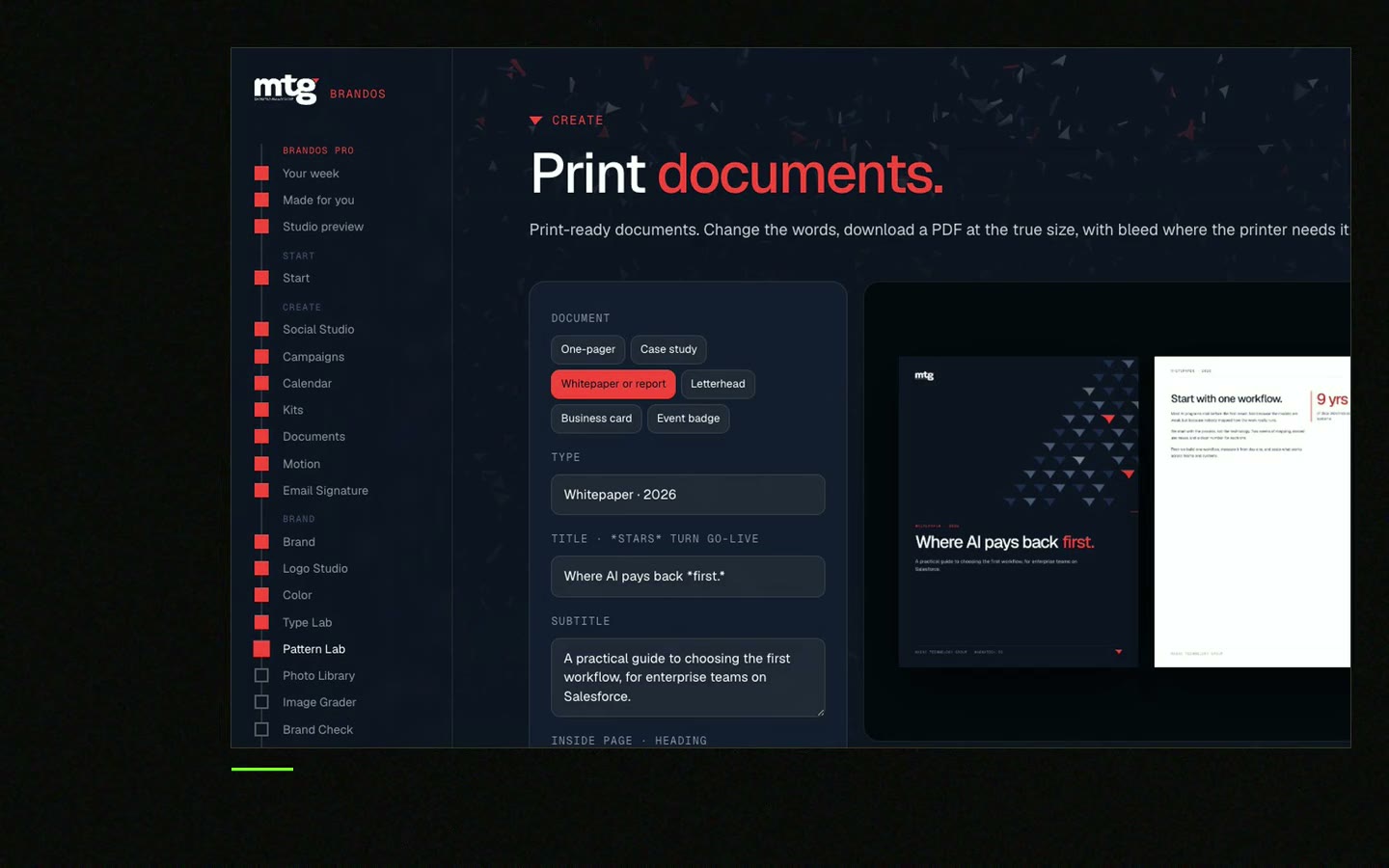
This is a real tool from a real Brand OS Portal, on the MTG brand. Type your line, pick a layout. Fonts, colours and spacing stay on brand.
Open View, then Slide Master, and place the logo on the master or on the layouts that need it. Then save the file as a .potx template.
In Microsoft 365, an admin can set up an organization assets library in SharePoint. The template then shows inside PowerPoint. Without that, share the .potx from one link.
A PowerPoint template is saved as a .potx file.
About 10 is enough for most teams: title, section, text, two columns, image, number, chart, team or quote, logos and end.
You can import a PowerPoint file into Google Slides. Check the fonts and layouts after import, and keep one Slides start file for the team.
See what ChatGPT says about your company, and how to fix it.
You hear from me within 2 to 8 hours.
May I use cookies for Google Analytics and Clarity to see which pages help? Privacy





