
 Hrvatski
Habit 1
Use your real files
Swap in your logo, colour codes and fonts. Do not trust the colours the picture used.
A ChatGPT image is a flat picture. Here is how to turn it into a design your team can edit and reuse.
Free: your brand in 3 real designs, in 48 hours.
A ChatGPT image is a flat picture, so you cannot change its words or move its parts. To make it editable, you rebuild it with real text and shapes, or you ask for a layout in code or vector form, or you hire a designer, or you use a portal that does it.
Whatever you choose, lock your logo, colours and fonts, so the result stays on brand.
 By Vedran Obradović · Updated 7 November 2026
An image tool paints pixels. It does not place text boxes or layers.
When you type a word in an image and the tool gets one letter wrong, you cannot fix it yourself. The text is part of the picture. That is why teams get stuck after the early "wow".
Marketing leads on forums ask the same thing: how do we get a design we can actually change? There are four honest ways.
Pick by how often you need it, not by what sounds clever.
| Way | Good for | Watch out |
|---|---|---|
| 1. Rebuild by hand in your design tool | One-off posts or slides | Takes time. Every new post repeats it |
| 2. Ask for a layout, not a picture | Simple pages and slides | You need someone who can fix the result |
| 3. Hire a designer to rebuild it | A design you will reuse often | You wait, and you pay again for each new one |
| 4. Use a portal with locked templates | Daily posts, banners and videos | Needs a set-up once |
For the rebuild steps, read how to turn AI designs into editable templates.
Free tool
Check if your brand rules are clear enough for AI. It is free and runs right here.
Conversion is where brands slip. Three habits stop it.
Habit 1
Swap in your logo, colour codes and fonts. Do not trust the colours the picture used.
Habit 2
Headline up to 8 words. Photo from the approved set.
Habit 3
Run the result against your rules. See the AI-ready brand checklist.
Give ChatGPT your rules up front, and the image lands closer to right. See ChatGPT brand guidelines.
Leave your email. I design them by hand and send them to you within 48 hours. It costs you nothing.
I write to you from [email protected]. If you do not see it, check spam.
Ask for structure, not just looks.
Design a [LinkedIn post / slide] for [company]. Size [1080 x 1350].
Show the layout as simple blocks: logo area, headline area, photo area, footer.
Give me the margins and text sizes in points or pixels.
Use just these colours: [codes]. Use this font: [name].
Headline up to 8 words. Leave a quiet area for text.
Then list the text styles I should set in my design tool.
With the sizes in hand, anyone can rebuild the layout and lock it. More ideas in ChatGPT prompts for branding.
If you make posts every week, rebuilding every time is a slow way to work.
In a Brand OS Portal the designs are ready and locked. Your team changes the words and the photo in Social Studio, or types one line in Motion Posts and gets a video. AI to template brings new AI designs into the portal as reusable templates. A designer is still right when you need a new identity or strategy. The portal is for what you make every day.

Brand OS Core Portal. The CEO writes and designs an on-brand LinkedIn post in about 3 minutes.

Brand OS Pro Portal. The team makes its own posts. No waiting.
Compare the approach in AI design vs brand template.
Try one Brand OS Portal tool
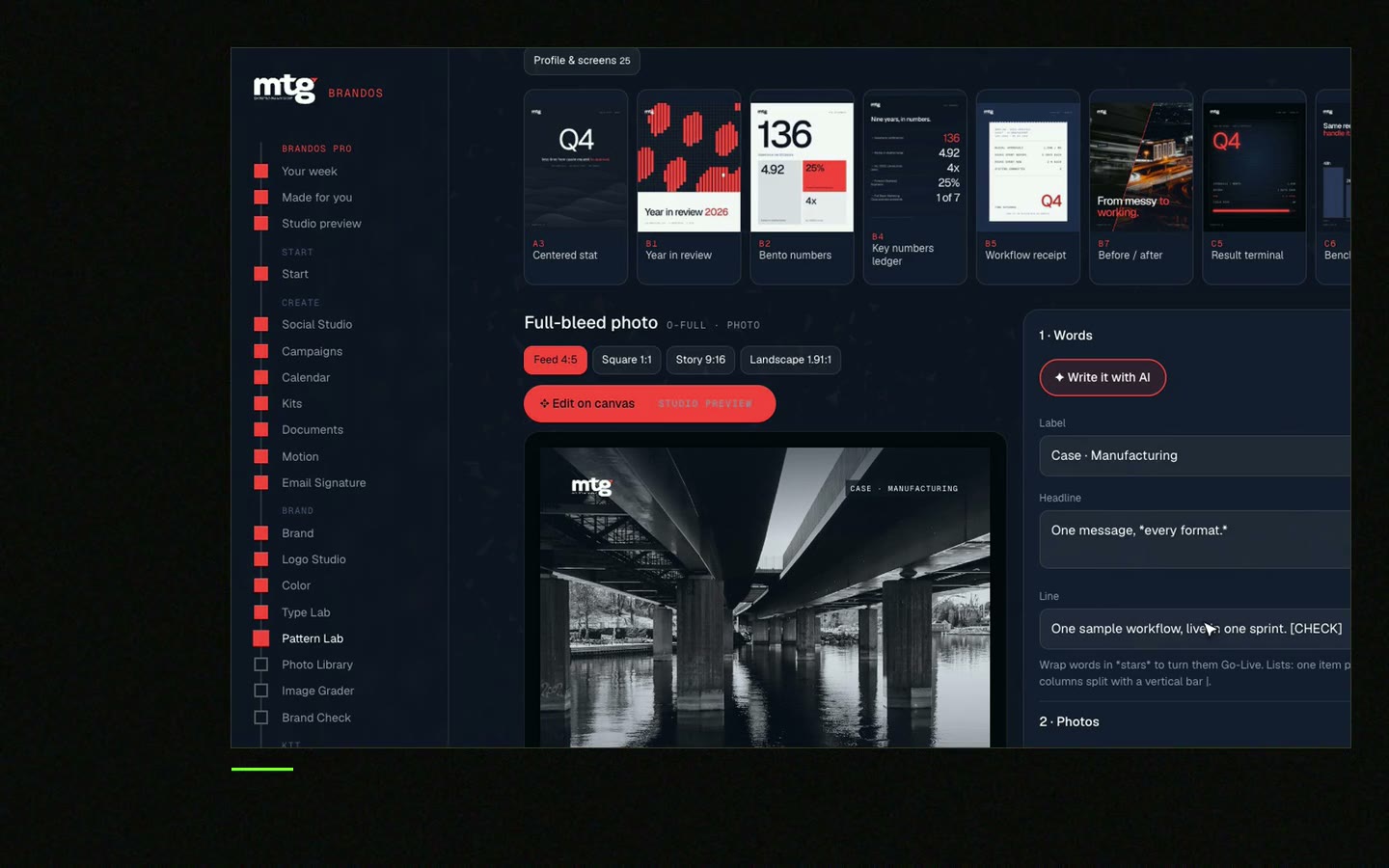
This is a real tool from a real Brand OS Portal, on the MTG brand. Change the words and the photo. The design stays on brand.
Watch
I made short videos of the tools. Hear me explain them, then scroll through every one at work. Real tools, on a real brand.

It can describe a layout and sizes you can rebuild. The picture it paints is flat.
You cannot edit it directly. Rebuild the text as real text in a design tool.
Give it your colours and style, then rebuild with your real logo and fonts. Read the AI image brand fit check.
Not always. A designer helps when the design will be reused often.
Yes. Locked templates in a Brand OS Portal. See Brand OS Portal.
Death List Five. Five headaches, one portal. Sound on.
See what ChatGPT says about your company, and how to fix it.
You hear from me within 2 to 8 hours.
May I use cookies for Google Analytics and Clarity to see which pages help? Privacy



