
 Hrvatski
Section 1
Headline
The product and the result it gives. Plain words.
A SaaS datasheet is a short product sheet that gives a buyer and their IT team the facts to say yes.
Free: your brand in 3 real designs, in 48 hours.
A SaaS datasheet is a one or two page product sheet. It has eight sections: a headline, a product summary, key features, benefits, how it works, integrations and requirements, proof and a next step.
It is more factual than a one-pager. Buyers use it to compare, to share with IT and to check the details. Write what is true today, and have someone check it before it goes out.
 By Vedran Obradović · Updated 7 November 2026
They look alike. They do different jobs.
| Sales one-pager | SaaS datasheet | |
|---|---|---|
| Reader | Buyer or champion | Buyer plus IT, security, procurement |
| Job | Get a next step | Answer detail questions |
| Tone | Leads with benefits | Leads with facts |
| Length | One page | One or two pages |
| Updated | Per campaign | Per product release |
For the sheet that leads with benefits, use the sales one-pager template.
Keep each one short. Use the buyer words.
Section 1
The product and the result it gives. Plain words.
Section 2
Three lines: what it is, who it is for, what it does.
Section 3
Four to six. Each with one short line on what it means for the user.
Section 4
Three results the buyer cares about. Use real numbers if you can show them.
Section 5
Three steps from sign-up to a real result.
Section 6
Tools it connects to and what the buyer needs to start. Check this on every release.
Section 7
A customer name or an approved quote.
Section 8
Demo, trial or a 15-minute call, and contact details.
Free tool
A datasheet is often the sheet a buyer shows their boss. Answer a few short questions. You get a brand score and the top thing to fix. It is free.
Replace the brackets. If you do not know a fact, ask the product team. Do not guess.
[PRODUCT NAME]: [result] for [role]

SUMMARY
[Product] is [what it is] for [who]. It helps you [main outcome] without [pain].

KEY FEATURES
- [Feature]: [what it means for the user]
- [Feature]: [what it means for the user]
- [Feature]: [what it means for the user]
- [Feature]: [what it means for the user]

BENEFITS
- [Result 1]
- [Result 2]
- [Result 3]

HOW IT WORKS
1. [Connect / sign up]
2. [Set up]
3. [A real result]

INTEGRATIONS AND NEEDS
Works with: [tools]. You need: [account, access, browser, plan].

PROOF
[Customer]: "[approved quote]"

NEXT STEP
[Book a demo / start a trial / 15-minute call: link]    [email]  [website]

Product version: [x.y]    Last checked: [date]
Keep your claims honest. Read brand compliance and your brand voice guidelines. For SaaS brands, see brand portal for SaaS.
Leave your email. I design them by hand and send them to you within 48 hours. It costs you nothing.
I write to you from [email protected]. If you do not see it, check spam.
It will be read on screen, in a PDF, in a hurry.
The page layout rules are the same as for a proposal. See the business proposal design template. Product pages pair well with a SaaS website that says the same thing.
Every release changes a line. If each change needs a designer, the sheet falls behind.
The fix is a locked layout where your team edits the words. With a Brand OS Portal, the brand parts stay fixed and the team makes the changes itself. A designer is still the right call for brand strategy and a new identity. Brand OS Portal is for the daily work after that.

Brand OS Pro Portal. The team makes its own posts. No waiting.

Brand OS Core Portal. The CEO writes and designs an on-brand LinkedIn post in about 3 minutes.
0 of 8 done
Try one Brand OS Portal tool
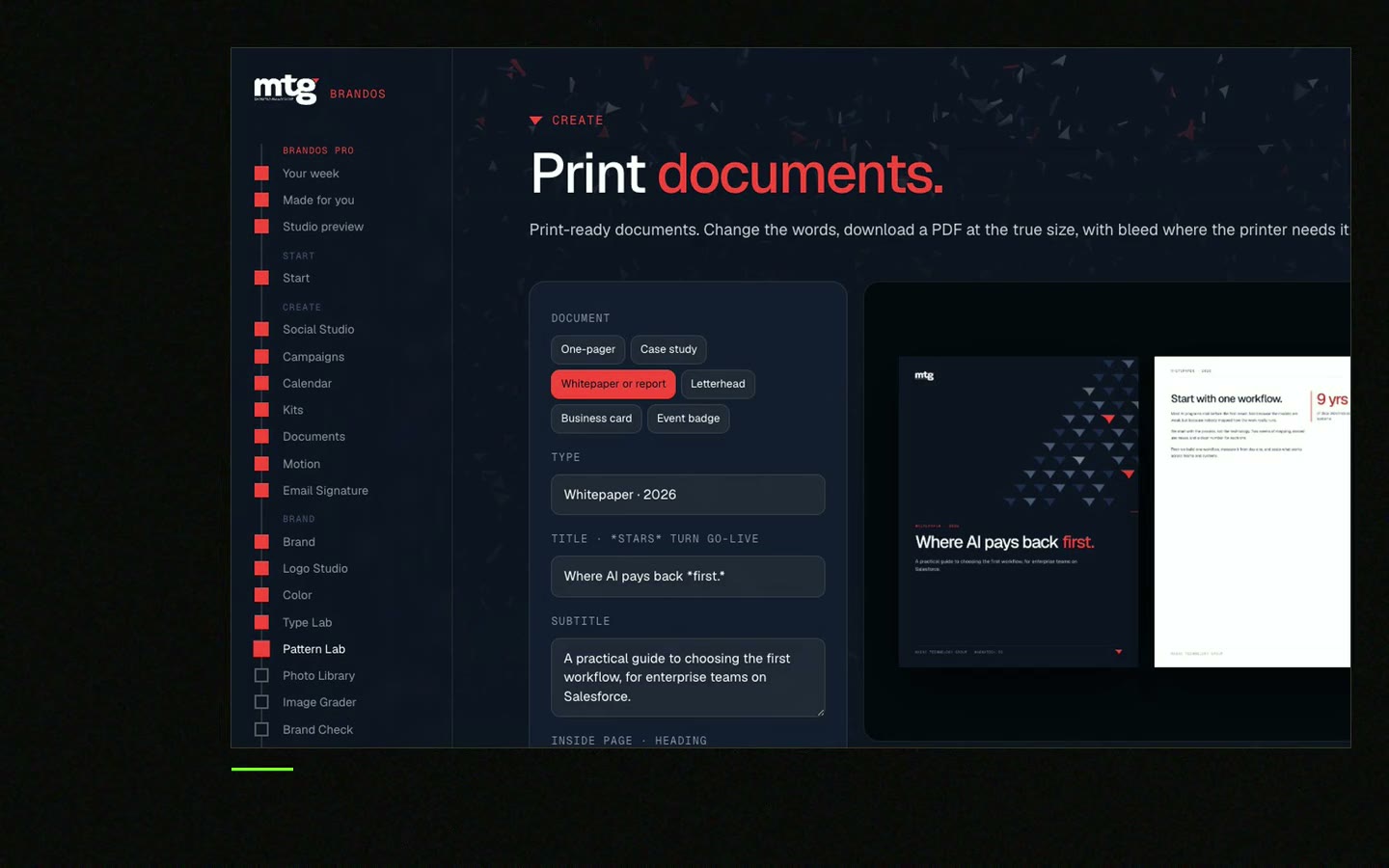
This is a real tool from a real Brand OS Portal, on the MTG brand. Change the words and the design still looks right. Product sheets can work the same way.
Watch
I made short videos of the tools. Hear me explain them, then scroll through every one at work. Real tools, on a real brand.

A short product sheet with key facts: what the product does, its features, how it works, what it connects to and what a buyer needs to start.
A headline, summary, key features, benefits, how it works, integrations and needs, proof and a next step.
One or two pages. Link to your website or docs for more detail.
A one-pager sells the benefit and asks for a next step. A datasheet gives facts for comparison and for IT or procurement.
Put a version and a date on it, check it at every release, and use a locked layout so the team can edit the words quickly.
Death List Five. Five headaches, one portal. Sound on.
See what ChatGPT says about your company, and how to fix it.
You hear from me within 2 to 8 hours.
May I use cookies for Google Analytics and Clarity to see which pages help? Privacy



