
 Hrvatski
Problem 1
Colours look dull
Screens use RGB light. Printers use CMYK ink. Bright screen colours often print a little softer.
A print ready file is a PDF with the right size, a little extra edge and colours made for ink.
Free: your brand in 3 real designs, in 48 hours.
A print ready file is a PDF at the final size, with a small extra edge called bleed, colours set for print (CMYK), images sharp enough (about 300 dpi), and fonts inside the file.
You do not need to be a designer. Ask your printer for their spec sheet, set up the file once, and save it as a template. Then every flyer, brochure or card starts right.
 By Vedran Obradović · Updated 7 November 2026
A screen makes colour with light. A printer makes colour with ink. That one fact explains most print problems.
Problem 1
Screens use RGB light. Printers use CMYK ink. Bright screen colours often print a little softer.
Problem 2
Paper is cut by a machine. It is never perfect. Without bleed, a thin white line can show.
Problem 3
Text too close to the edge can be trimmed away.
Brand colours matter here. If your colours are not set for print, ask for the print values when you choose brand colours, and keep them with your logo files.
Five words. Learn these and you can talk to any printer.
| Word | Plain meaning | Typical default |
|---|---|---|
| Trim size | The final size after cutting | The size you ordered, for example A4 |
| Bleed | Extra picture past the cut line, so no white edge shows | About 3 mm, or 0.125 inch |
| Safe zone | The inner area where text and logos must stay | About 3 to 5 mm inside the cut line |
| CMYK | The four inks printers use | Set the file to CMYK if your printer asks |
| 300 dpi | How sharp a picture is at its printed size | About 300 at the final size |
These are common defaults from print shop guides. Your printer's spec sheet always wins. Checked on 7 November 2026.
Free tool
Answer a few short questions. You get your brand score and the top thing to fix. It is free and runs right here.
This works in most design and office tools.
Step 1
Ask for size, bleed, colour mode and file type. Most printers have a page for this.
Step 2
Final size plus bleed on every side. A5 with 3 mm bleed is 154 by 216 mm.
Step 3
Nothing important near the edge. See the brand templates guide to lock this in.
Step 4
Backgrounds and photos go all the way to the bleed line, not just to the cut line.
Step 5
A small web image stretched big will look soft in print. Use the original photo.
Step 6
Use the print colour values from your brand rules. Embed fonts when you export.
Step 7
Choose a print or press quality preset. Open the PDF and check it at full size before you send it.
Leave your email. I design them by hand and send them to you within 48 hours. It costs you nothing.
I write to you from [email protected]. If you do not see it, check spam.
It saves a week of back and forth.
Hi [name],

I want to print [number] x [product, e.g. A5 flyer, 2 sided] on [paper].
Final size: [size]. Please send me:
- the bleed you need
- the safe zone for text
- colour mode (CMYK or other)
- your preferred PDF type
- any extra rules, for example crop marks or a file size limit

Our brand colours in print values are: [list]. Please tell me if any colour is risky in print.
Can you send a proof or a digital check before the full run?

Thanks,
[your name]
Keep the answers in your brand folder or portal, so the next person does not ask again. See what a brand portal is.
Tick before you send. Your ticks stay on this device.
0 of 8 done
Not sure which logo file to place? Read logo usage guidelines. A one page document that sits in print is also a good place for one page brand guidelines.
A designer is right for a new identity. For the daily work after, set it up once.
Most teams call a designer for a small change to a flyer or a sales sheet. The change takes five minutes. The wait takes five days.
In a Brand OS Portal, the team gets documents made on the brand. They change the words and the photo. The grid, fonts and colours stay right. Then you send the file to the printer.
The same logic is behind every post, deck and signature. Read how Brand OS Portal works.
Try one Brand OS Portal tool
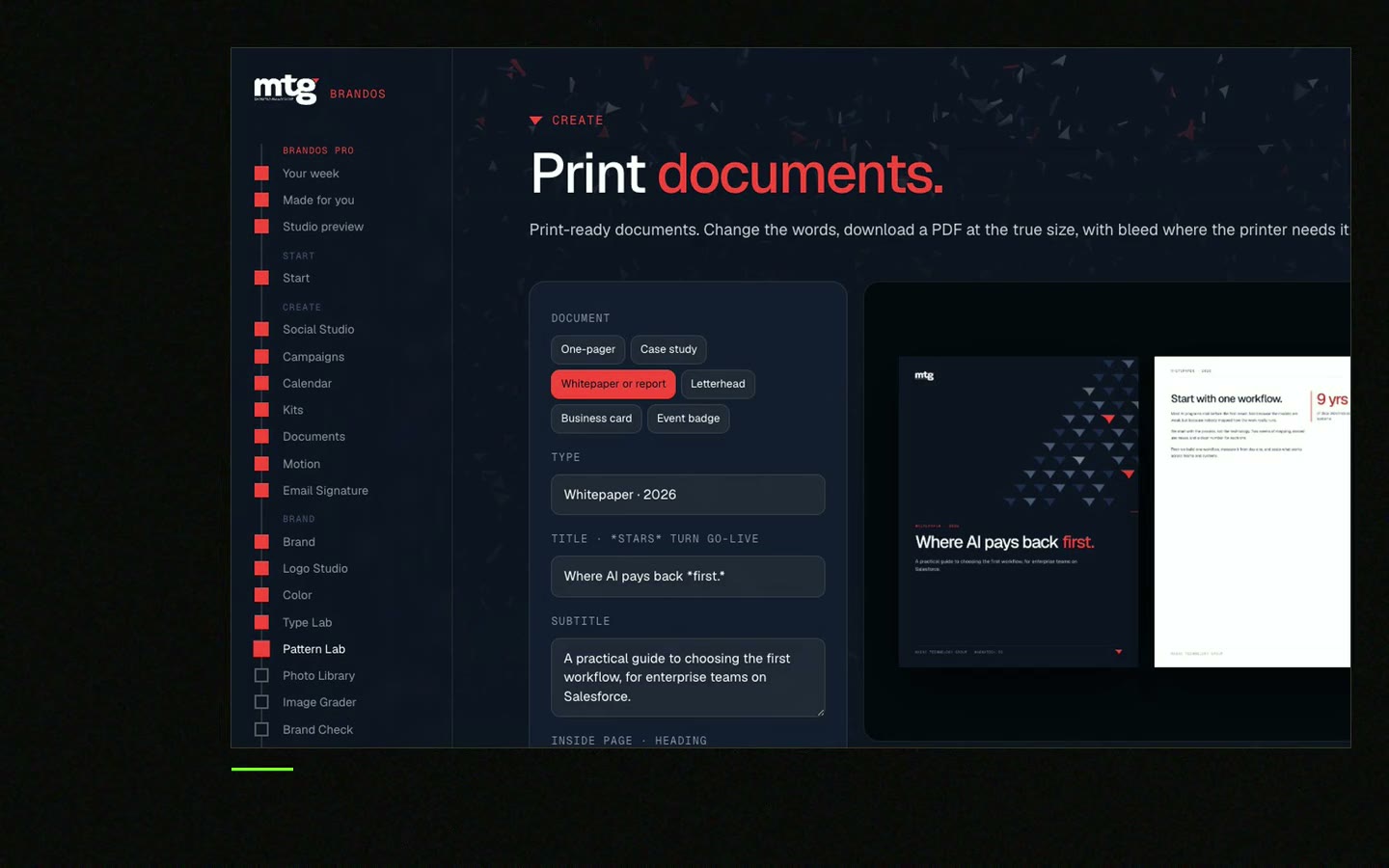
This is a real tool from a real Brand OS Portal, on the MTG brand. Change the words and the photo. The design stays on brand.
Watch
I made short videos of the tools. Hear me explain them, then scroll through every one at work. Real tools, on a real brand.

A file with the final size, bleed, print colours, sharp images and embedded fonts, saved as a PDF your printer can use without changes.
Often about 3 mm or 0.125 inch on every side. Your printer's spec sheet gives the exact number.
Many printers want CMYK, some convert for you. Ask your printer, and do not guess.
About 300 dpi at the final printed size is the usual target.
Often yes for simple jobs. Ask the printer before you send it, because they may need bleed and a print PDF preset.
Death List Five. Five headaches, one portal. Sound on.
See what ChatGPT says about your company, and how to fix it.
You hear from me within 2 to 8 hours.
May I use cookies for Google Analytics and Clarity to see which pages help? Privacy





