
 Hrvatski
Works
Editing real brand photos
Start from a photo you already approved. Ask for a new background, light or season. The brand look stays because the photo is yours.
Gemini is good at editing and remixing brand images. It is not a logo tool. Here is where the line is.
Gemini can make images from a prompt, edit images you upload and mix several images into a new one. That makes it useful for backgrounds, scene changes, quick mockups and social visuals that start from your real brand photos.
It is weak where brands need precision: final logos, exact colours and small text. Use it to explore and edit, then check every image against your brand rules before it goes out.
 By Vedran Obradović · Updated 4 November 2026
Checked on 4 November 2026 on Google's own Gemini Help page. Features change often, so check again before you rely on one.
| Feature | What Google says it does | Brand use |
|---|---|---|
| Create images | Makes an image from a text prompt | Backgrounds, mood images, blog covers |
| Edit your image | Edits an image you upload or made in Gemini | New scene or season for an approved brand photo |
| Local edits | Changes one part of an image | Swap a screen, remove clutter, change a sky |
| Mix several images | Combines uploaded images into a new one | Put your product into a new setting |
| Text in images | Better spelling of text in images | Rough mockups, still check every letter |
| Same character | Keeps a person or character looking the same across images | A mascot or a series of posts |
Checked on 4 November 2026 on support.google.com/gemini. Google lists Nano Banana 2 and Nano Banana Pro as the image models; some features need a Google AI plan, and editing is for users 18 and older.
Gemini does not know your brand until you tell it. Write the rules once, so every AI tool gets the same ones. See ChatGPT brand guidelines and Claude brand guidelines.
Works
Start from a photo you already approved. Ask for a new background, light or season. The brand look stays because the photo is yours.
Works
Calm images with empty space for a headline. Easy to judge, easy to swap.
Works
See a poster, a booth or a mug idea in minutes, before you pay for a real mockup.
Works
Five crops, three moods, two times of day. Good for picking a direction with the team.
So do the precise parts by hand: logo, type and layout. Use AI for the image underneath. Need the logo files right? Read logo files: what you need.
Free tool
Type your company name. See how AI tools describe you today and what is wrong. It is free and runs right here.
Leave your email. I design them by hand and send them to you within 48 hours. It costs you nothing.
I write to you from [email protected]. If you do not see it, check spam.
Upload 1-3 approved brand images first. Then paste one of these.
1. Keep everything in this photo the same, but change the background to [setting]. Match the light and colours of the original.

2. Make a wide background image in the same colours and mood as these images. Leave the left third empty for a headline. No text.

3. Put the product from image 1 into the scene from image 2. Keep the product shape and colour exactly the same.

4. Make this photo feel like early morning. Do not change people, products or colours.

5. Remove the clutter on the desk. Change nothing else.

6. Show this poster design on a wall in a modern office, as a rough mockup. Keep the poster flat and readable.

7. Make 4 abstract textures for slide backgrounds in these colours: [colours in words]. Calm, no shapes that look like objects.

Rules for every image: our colours are [colours in words]. Never show [your never list]. No text unless I ask.
The last block is your brand block. It works in Midjourney and ChatGPT too. More in image AI prompts that stay on brand.
Your brand rules should say this in plain words. See AI brand guidelines and the AI-ready brand checklist.
Tick what is true. Your ticks stay on this device.
0 of 8 done
Try one Brand OS Portal tool
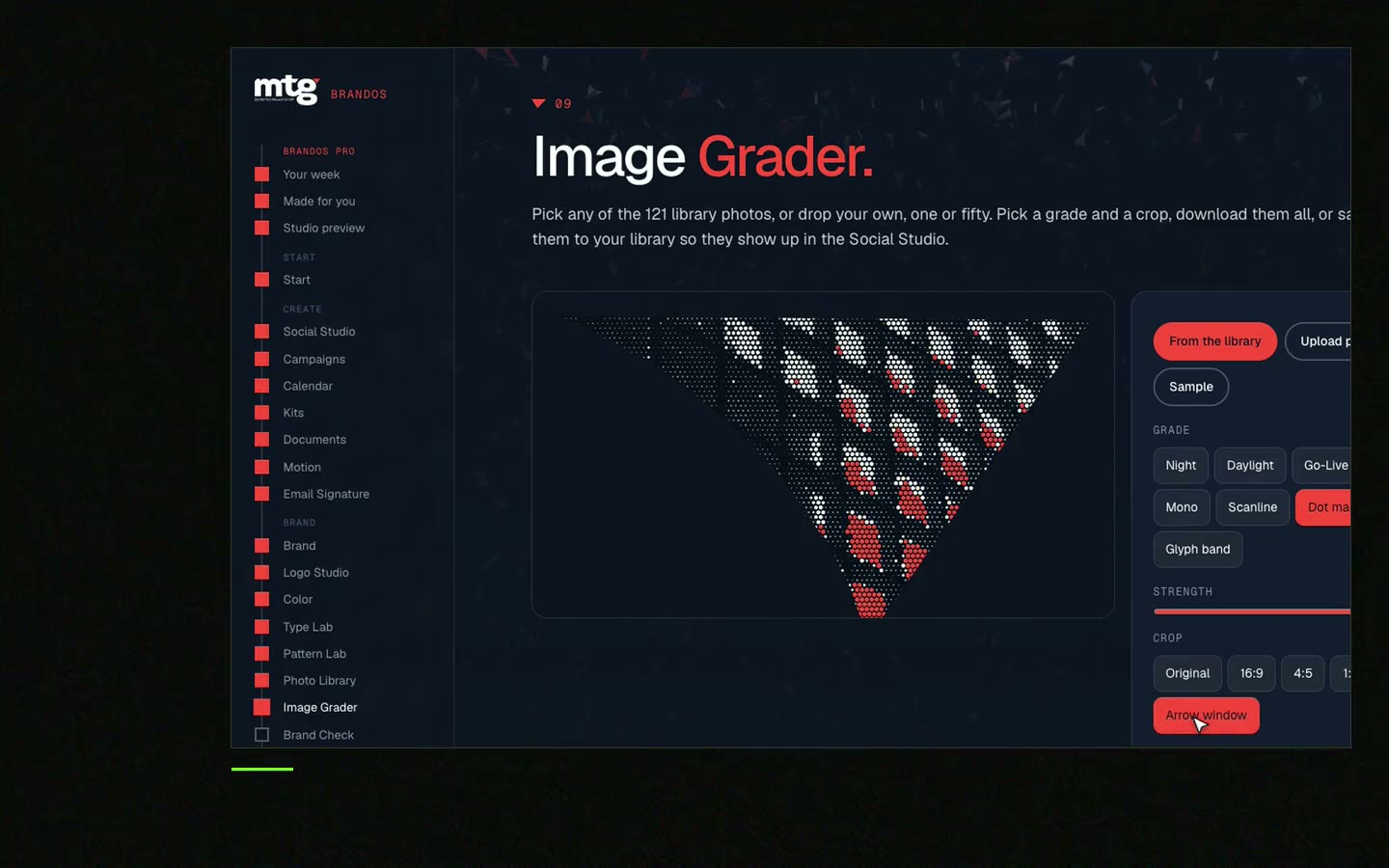
This is a real tool from a real Brand OS Portal, on the MTG brand. Change the words. The design and the rules stay right.
It can make logo ideas as pictures. It does not give you a clean vector file or a logo system. Use it for sketches, then have a designer draw the final logo.
Yes. Google says you can upload your own image and ask for edits, or upload several images and combine them. Editing is for users 18 and older.
It is the name Google uses for its image models in Gemini. On 4 November 2026 the Gemini Help page lists Nano Banana 2 and Nano Banana Pro.
Not reliably. Describe the colours in words, start from your own images and check the colour in the final file.
They are good at different things. Gemini is strong at editing images you upload. Midjourney has style references for a fixed look. The brand block and the final check matter more than the tool.
Check Google's terms for your account, check that nothing copies another brand or person, and have someone approve it. Then treat it like any other brand image.
"He is a brand magician; he understood the challenge quickly and delivered a brand identity, complete with motion graphics, messaging, etc."
 Leah MarsdenCMO, MTG
"It was never really about creating one logo. It was about building something strong enough to grow with the company."
 Pierre-Marc NoëlFounder & CEO, Deepsea Networks
"The brand looks premium and actually fits an AI / tech company, and the guidelines are so clear our team just uses them without asking questions."
 Jeremy MurrayFounder, KORDIN and Stack8s

Get your brand score and the first thing to fix.
You hear from me within 2 to 8 hours.
May I use cookies for Google Analytics and Clarity to see which pages help? Privacy





