
 Hrvatski
Step 1
Draft
Use shared rules and a ready design. See team brand rules.
Check small things fast and big things carefully. Then approvals stop slowing the team down.
Free: your brand in 3 real designs, in 48 hours.
A good AI content approval workflow has four steps: draft, self-check, spot check, publish. Low-risk posts need just the self-check. High-risk content gets a second pair of eyes.
Approvals become a bottleneck when everything goes to one person. Sort content by risk and the queue shrinks.
 By Vedran Obradović · Updated 7 November 2026
AI speeds up making. Checking stays slow.
A team makes ten drafts a day with AI. One founder reviews them all at night. The queue grows and people start to skip the step.
The answer is not more reviewing. It is less to review, because the rules and designs are right before the draft starts.
Short and clear.
Step 1
Use shared rules and a ready design. See team brand rules.
Step 2
The maker runs the short review below.
Step 3
A second person reads a sample, or every high-risk piece.
Step 4
Post it. Note any fix so the rules get better.
Free tool
See how an AI tool describes your company today. It is free and runs right here.
Not everything needs the same check.
| Risk | Examples | Who approves |
|---|---|---|
| Low | Routine post from a ready design | The maker |
| Medium | New campaign, a deck for a customer | Maker plus one checker |
| High | Claims, numbers, legal, press, anything about a customer | Owner or leadership |
[ ] Used the shared rules and a ready design
[ ] Every fact is on the approved list
[ ] No word from the never-write list
[ ] Real logo, colours and fonts
[ ] Photo matches our look
[ ] Risk level: low / medium / high
Maker: [name]  Date: [date]
Leave your email. I design them by hand and send them to you within 48 hours. It costs you nothing.
I write to you from [email protected]. If you do not see it, check spam.
Fewer mistakes to catch means fewer approvals.
In a Brand OS Portal, designs are ready, so the look is right by default. Voice Check and Image Grader catch words and photo slips early. At Deepsea Networks, the CEO writes and designs an on-brand LinkedIn post in about 3 minutes. And MTG's team makes its own posts. The owner reviews exceptions, not everything.

Brand OS Core Portal. The CEO writes and designs an on-brand LinkedIn post in about 3 minutes.

Brand OS Pro Portal. The team makes its own posts. No waiting.
A designer is still right for strategy and a new identity. For the daily flow, see Brand OS Portal, brand consistency for remote teams and brand compliance.
Tick what is true.
0 of 6 done
Try one Brand OS Portal tool
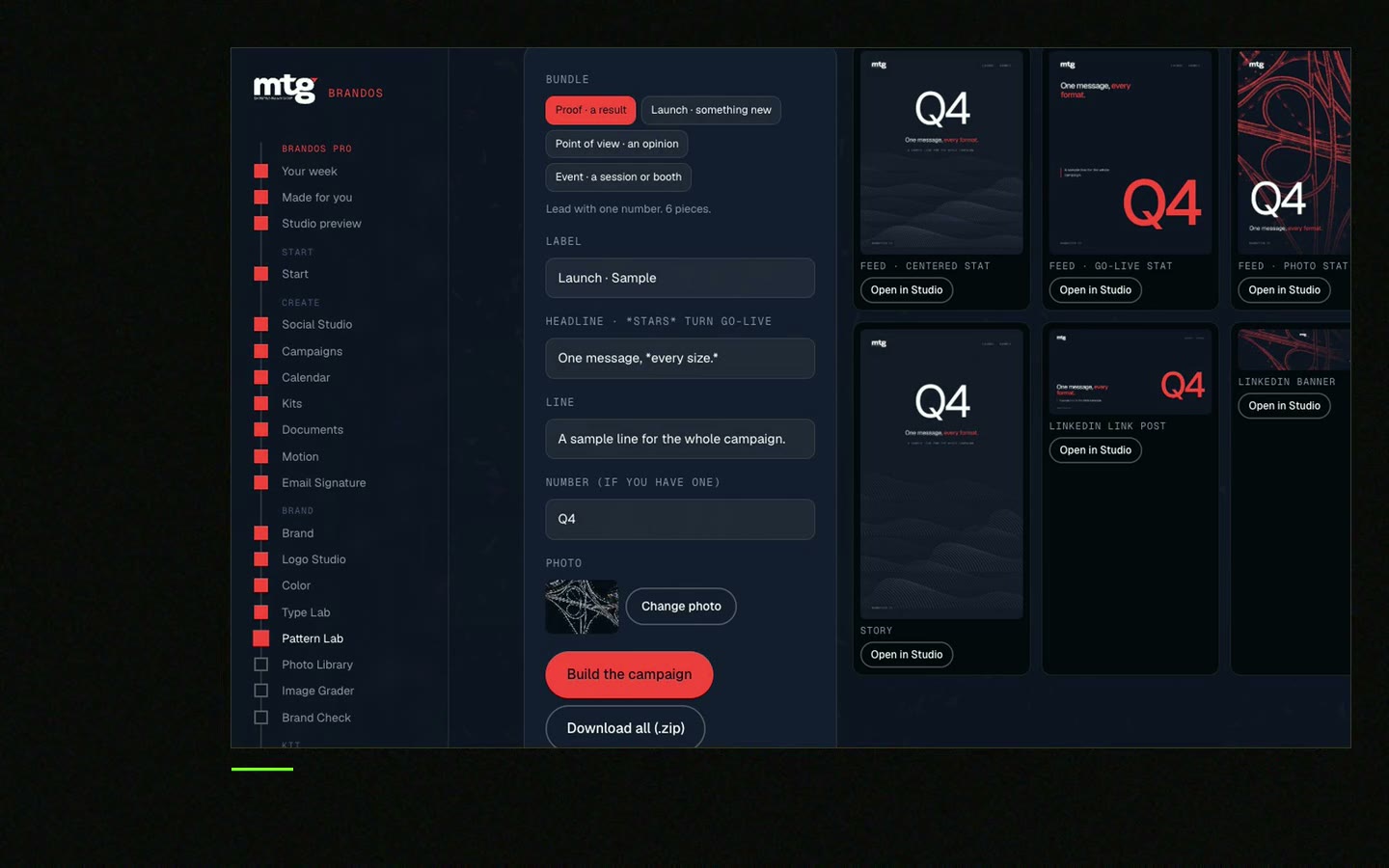
This is a real tool from a real Brand OS Portal, on the MTG brand. Change the words and the photo. The design stays on brand.
Watch
I made short videos of the tools. Hear me explain them, then scroll through every one at work. Real tools, on a real brand.

The steps content takes from AI draft to published, with checks on the way.
Sort content by risk. Let makers publish low-risk pieces after a self-check.
The maker for low risk. A checker or owner for higher risk.
Use a short checklist for voice, facts, look and claims.
Yes. Ready designs and built-in checks mean fewer mistakes to catch. See Brand OS Portal.
Death List Five. Five headaches, one portal. Sound on.
See what ChatGPT says about your company, and how to fix it.
You hear from me within 2 to 8 hours.
May I use cookies for Google Analytics and Clarity to see which pages help? Privacy



