Everything the brand needs, in one place.
Logos, color, type, patterns, posts, imagery and the AI kit. Built so anyone at MTG can make something on brand in minutes.
The brand in 60 seconds.
Start with one workflow.
From messy to working.
Every engagement turns a complicated business into one thing that works, then scales it.
For enterprise leaders who have to make AI and their business systems deliver, MTG is the applied AI and Salesforce partner that maps how the business really runs and builds the first workflow that pays back.
- 01Map
- 02Prototype
- 03Transform
Practical · precise · calm · candid · ambitious
Short sentences. Numbers before adjectives. One idea per paragraph.
Logo Studio.
Every version of the logo, ready for anything: pick the lockup, the background and the colors, test it on a photo, then export at the exact size you need, with or without a background.
Go-Live leads. Backend carries.
Click any value to copy it: HEX and RGB for screens, CMYK for print. Every name comes from MTG’s world: Go-Live is the moment a workflow starts working, Backend is what runs underneath. Go-Live is also the logo arrow.
HEX and RGB are for screens. CMYK is for print: use glossy for brochures, business cards and anything coated, matte for letterheads, notebooks and office paper. Not sure? Use glossy and tell the printer it's the GRACoL coated profile.
Start with one workflow.
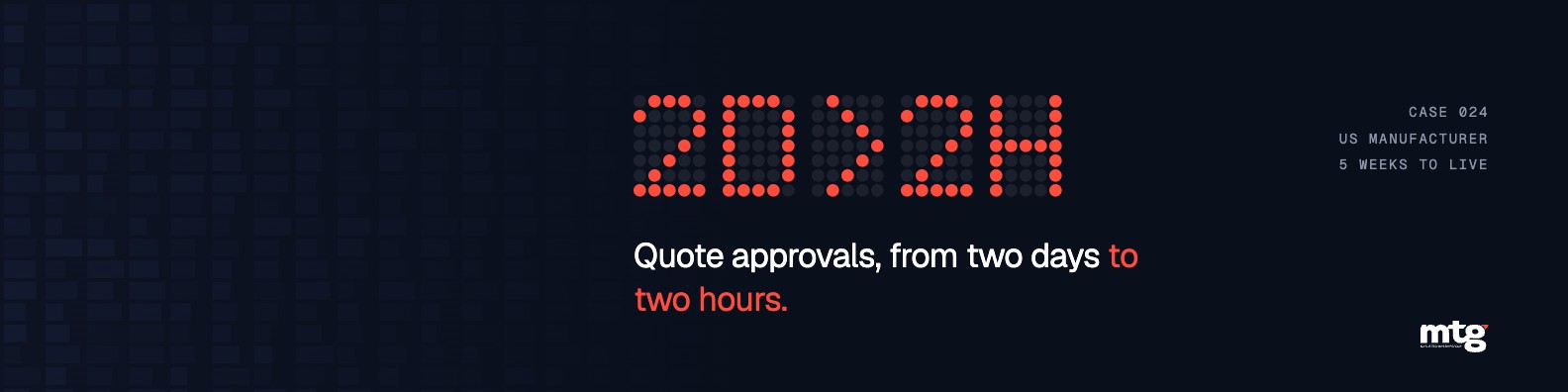
Approvals went from two days to two hours.
Type Lab.
Geist for everything people read. Geist Mono for labels and data. Type anything.
Bring us the messy one.
Pattern Lab.
Twenty-one approved patterns built from the MTG arrow, its shoulder, its 55° cut and the data it moves. Every seed is a new composition: press Surprise me, keep the seed number of the ones you like, export at any size.
Brand film.
Messy, mapped, built, running. Two thousand arrows tell the brand idea in sixteen seconds. Use it to open talks, on the website and on LinkedIn.
Calm and mechanical.
No bounce, no glow. Ease out on arrival, linear when running.
600 to 1200 ms.
Short moves for UI. Longer moves for the four brand beats.
Motion posts.
Animated posts that loop forever. Change the post, the words, the moving background, the colorway, the text motion, the size and the pace, then record the loop in full resolution.
Ready-made motion posts · MP4 · 8 s loops
Pattern motion.
The patterns, moving. Each one is a seamless loop: pick it, set the colorway, size and pace, then record it at full resolution. Use it behind a talk, on the website hero, or as a Reel between posts.
Photo library.
One hundred and twenty photos with the MTG Night grade: city, work, teams, remote, data, industry, grid, light, texture and the MTG team. Free-license Unsplash images plus MTG’s own. Download any photo, send it to the Social Studio, or add your own through the Image Grader.
Image Grader.
Pick any of the 121 library photos, or drop your own, one or fifty. Pick a grade and a crop, download them all, or save them to your library so they show up in the Social Studio.
Email signature.
Four versions, one set of details. Pick a version, fill in your details, press Copy signature and paste it into Gmail or Outlook. Built with email-safe tables, so it looks the same in every inbox.
Hi Sam,
Thanks for the time today. The map is attached, I marked the three steps we talked about.
Best,
1 · Version
2 · Your details
The photo is cropped round and hosted by the BrandOS, so it shows in every inbox.
3 · Copy and install
Gmail: Settings → See all settings → Signature → paste. Outlook: Settings → Mail → Compose and reply → paste. Apple Mail: paste into a draft first, then use it as a signature.
AI Kit.
The whole brand, written for machines. Load the bundle once and Claude, ChatGPT or Gemini writes like MTG, follows every rule in the guidelines and checks its own work before you see it.
Brand Context Bundle
One file with all 16 sections of the guidelines as rules: story, strategy, positioning, audiences, proof you may use, voice and every banned word, visual system, social formats and a self-check. Without it the AI writes like everyone else.
- Click Copy bundle, open a new chat, paste and send. It replies "MTG bundle loaded."
- In the same chat, paste any prompt from steps 02 to 04.
- Daily use: create a Claude Project or ChatGPT Project called MTG and add the .md file once. Every chat in it knows the brand.
The MTG Chain
Five steps in one paste: the AI repeats the rules, turns your idea into a brief with unknown facts marked [CHECK], writes three drafts, audits them against the bundle and returns final copy with a yes or no checklist.
Social Studio builder
The AI picks the right Social Studio template for your idea and returns it as JSON. Paste the answer below and the post appears in the Studio, on brand, ready to export. You never need to read the JSON.
Voice Check
Paste any text, from a person or an AI. The score starts at 100 and drops for hype, vague words, hedges, clichés, long dashes, exclamation marks, long sentences, "not just X" setups, opening with MTG and numbers that are not in the proof list. Aim for 85 or more.
All the downloads.
Brand Guidelines 2026
↓ PDF · 106 pages · Pro editionBrand Guidelines 2026 · Pro
↓ SVG
Logo · full color on dark
↓ SVG
Logo · full color on light
↓ CSSColor tokens
↓Ready-made packs.
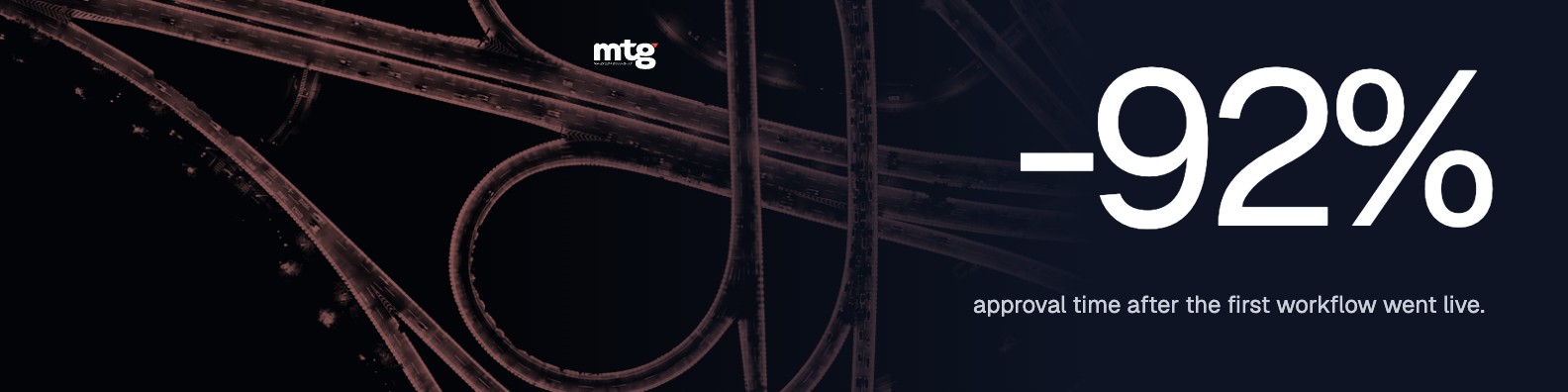
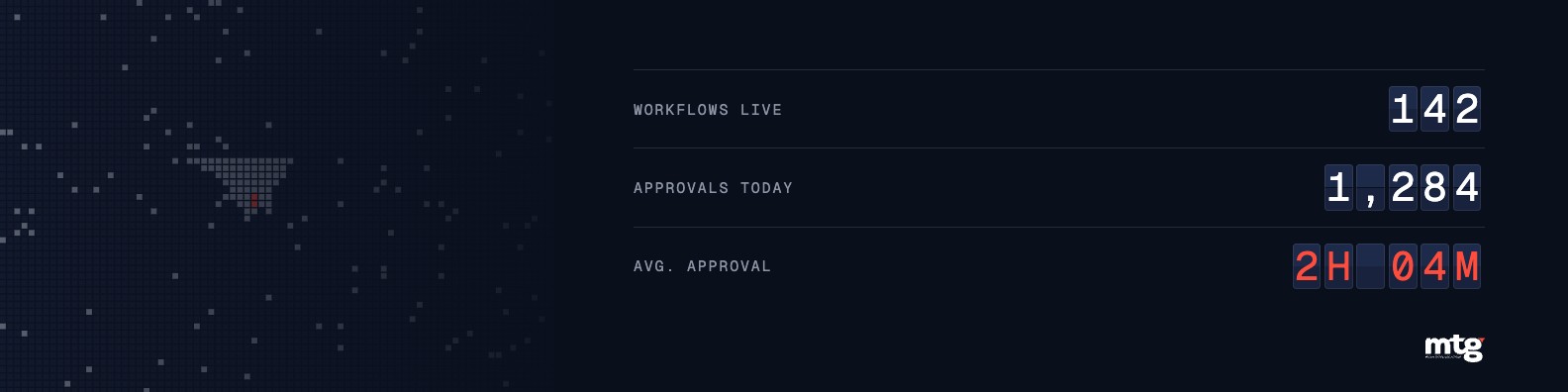
Finished files. Click to preview, then download. To change words, photos or patterns, open them in the Social Studio under Profile & screens.
LinkedIn banners · 1584 × 396



Video call backgrounds · 1920 × 1080


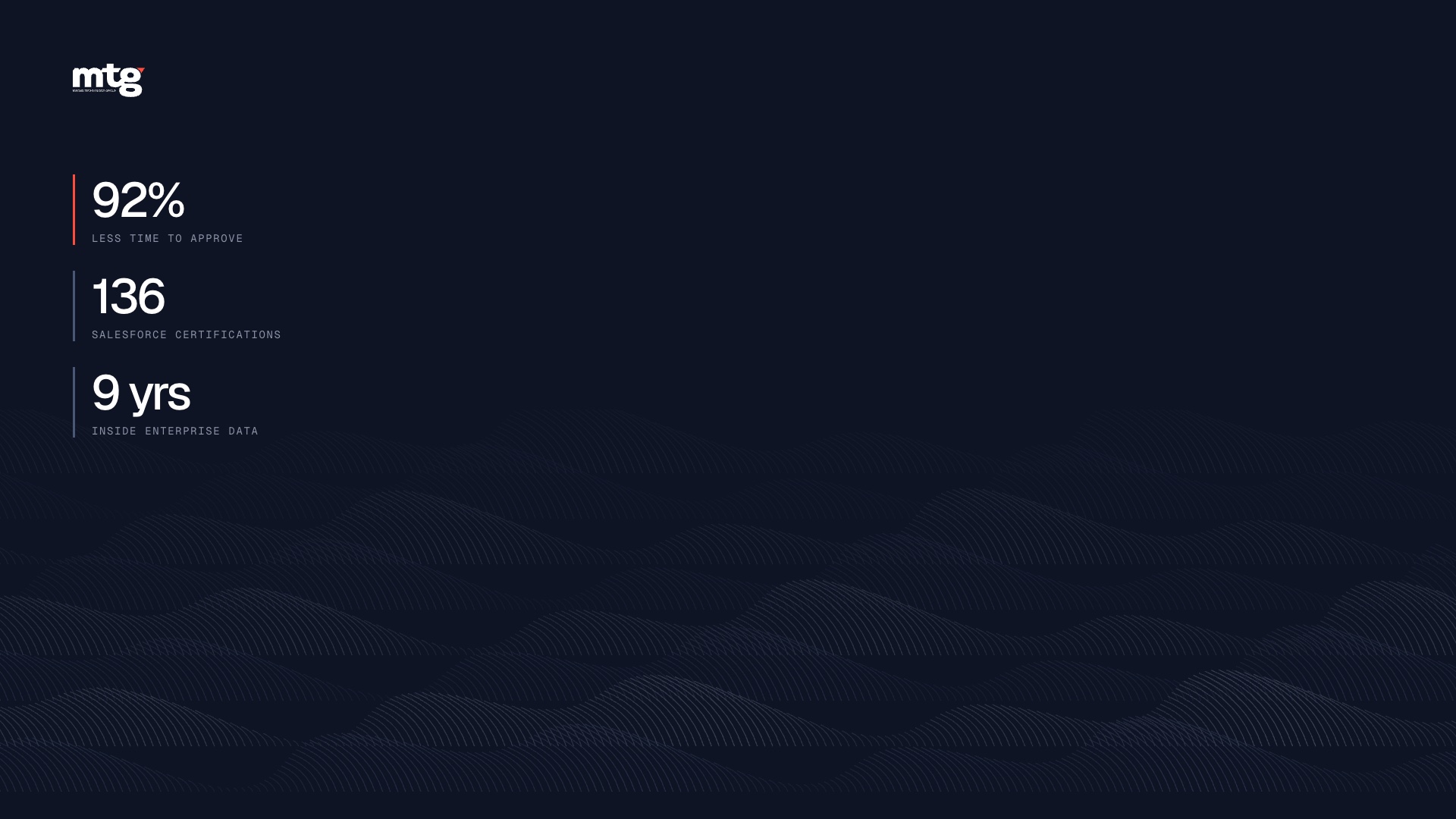
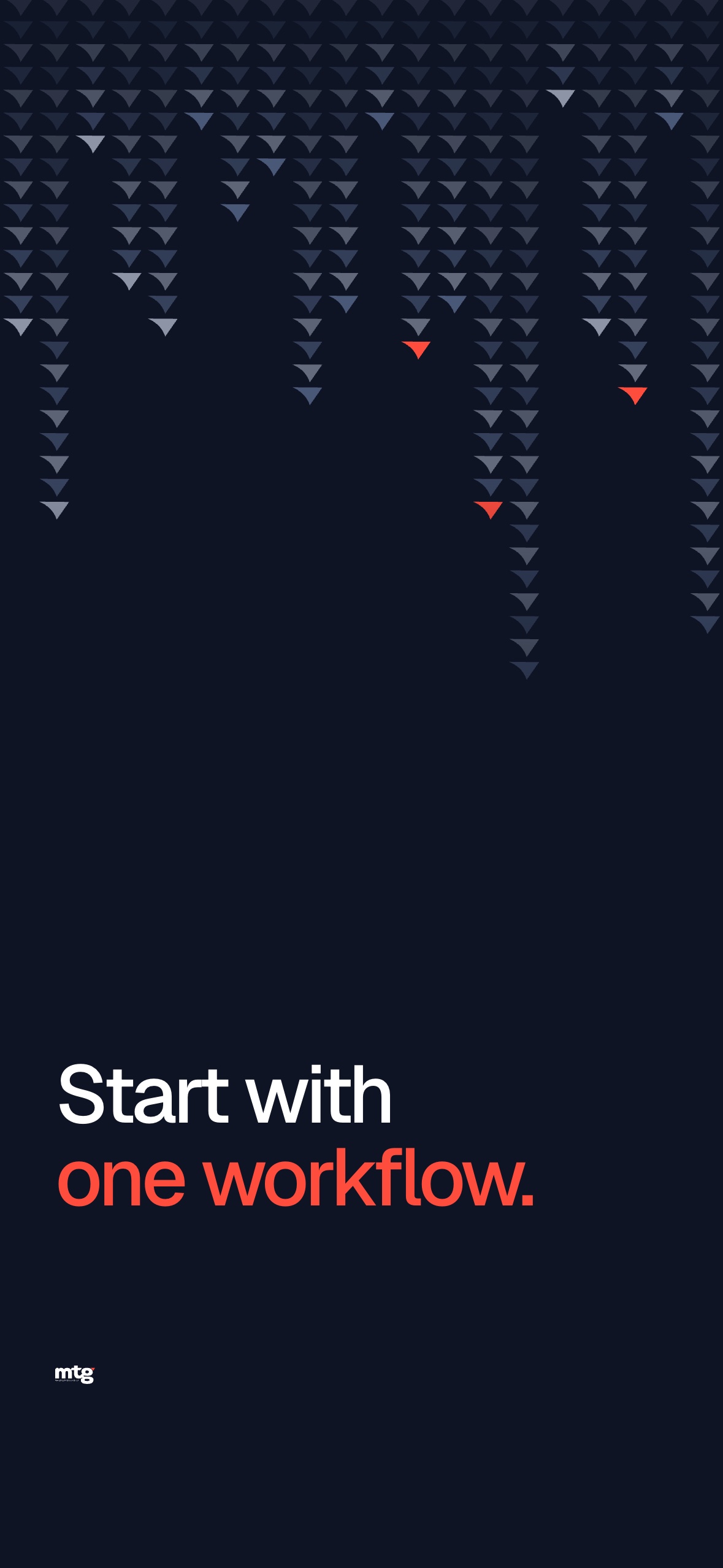
Wallpapers · desktop 2560 × 1440 · phone 1179 × 2556

MTG BrandOS · October 2026 · Built by Vizura Studio®